Vectorise
An image or logo, as a clean SVG. Free.
About Vectorise
Trace a logo, drawing or simple photo into a scalable SVG: flat colours and smooth curves that stay sharp at any size, for print, cutting machines and the web. Logo, illustration, black and white or poster. Right in your browser, nothing uploaded.
Free, and done on your device: nothing is uploaded.
How it works
- Pick a style.
- Drop in an image.
- Download the SVG.
Questions
- Is it free?
- Yes. No sign-in, no credits and no watermark: download the result as many times as you like.
- Are my photos uploaded?
- No. This tool runs in your browser, on your device. Your photos are never sent to us or anyone else.
- What images vectorize best?
- Logos, icons, drawings and photos with simple shapes. Detailed photos become large files with many shapes.
- Can I use it with a cutting machine?
- Yes: the black-and-white style makes clean two-tone shapes for Cricut-style cutting, stencils and stamps.
More in Edit
See all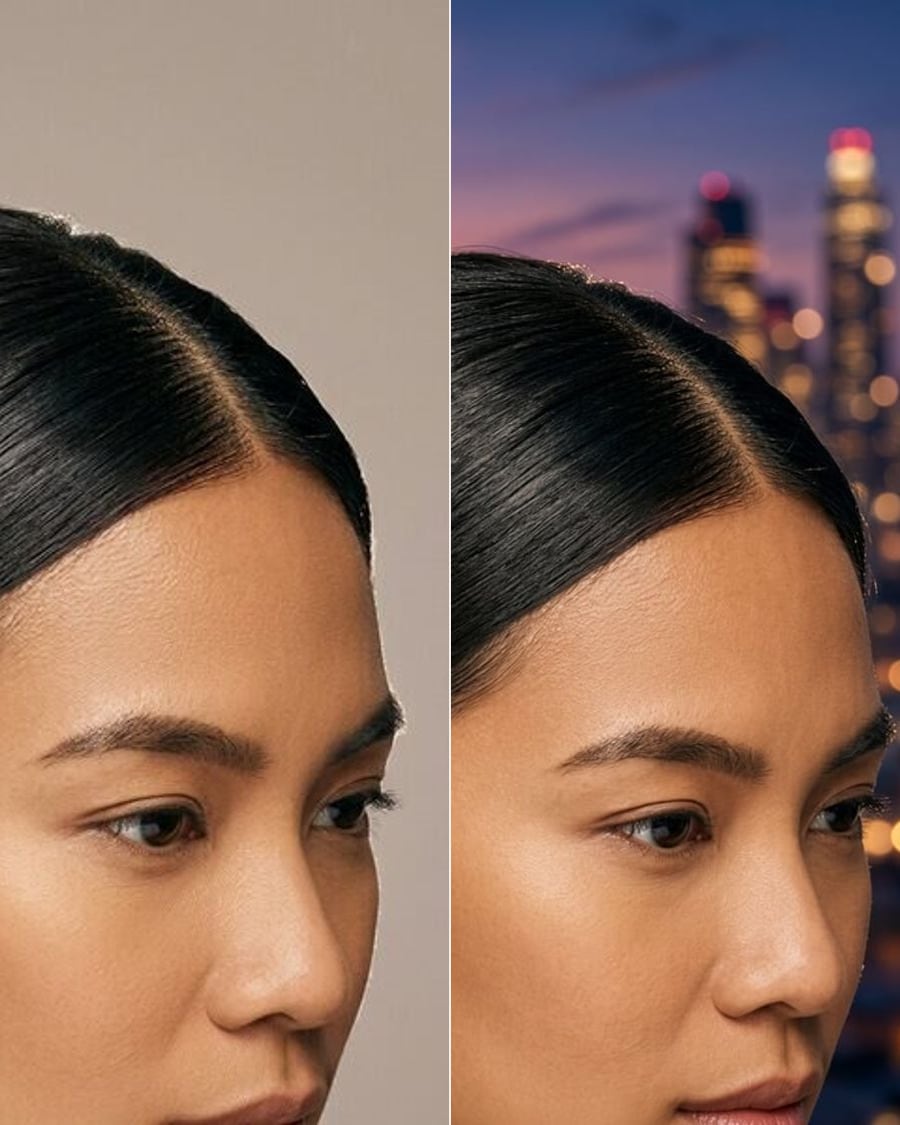
Change backgroundSoonStudio, city, beach or office.
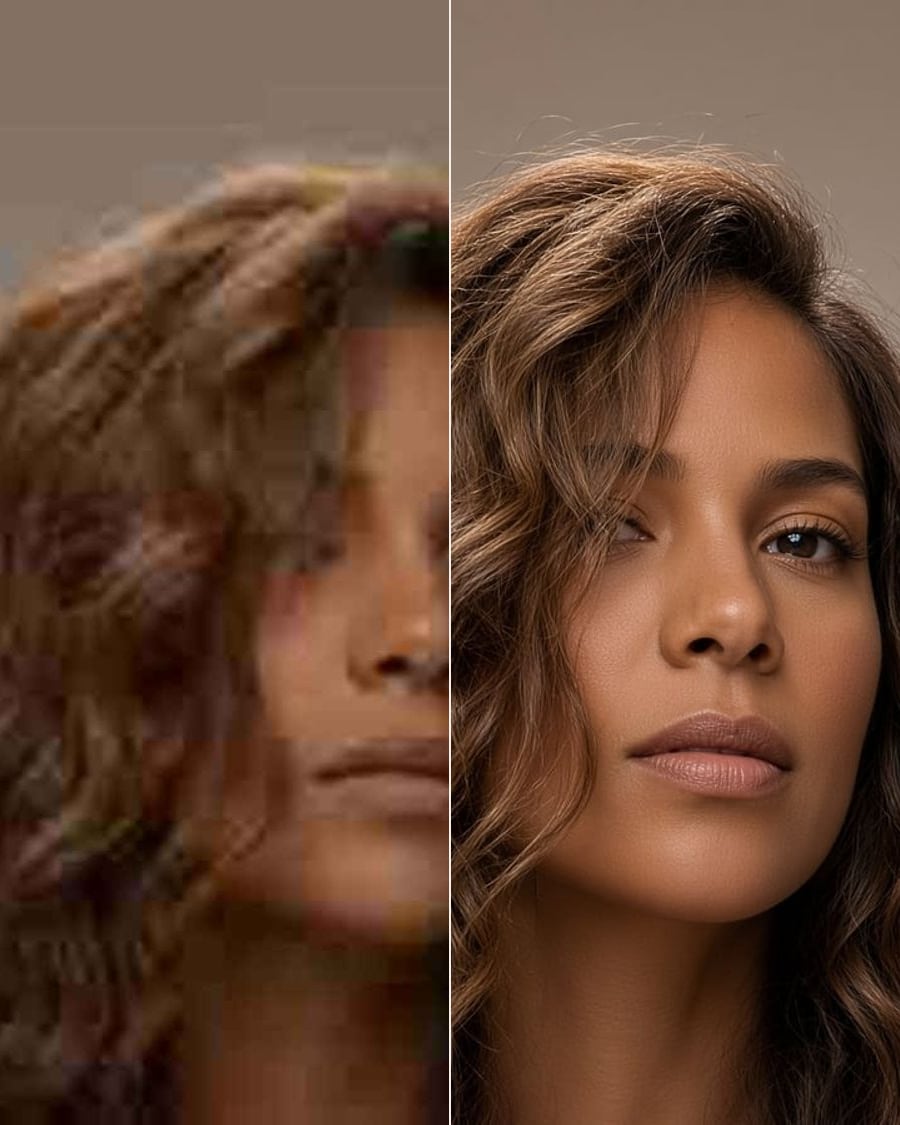
Photo enhancerSoonSharper, better lit, less noise.
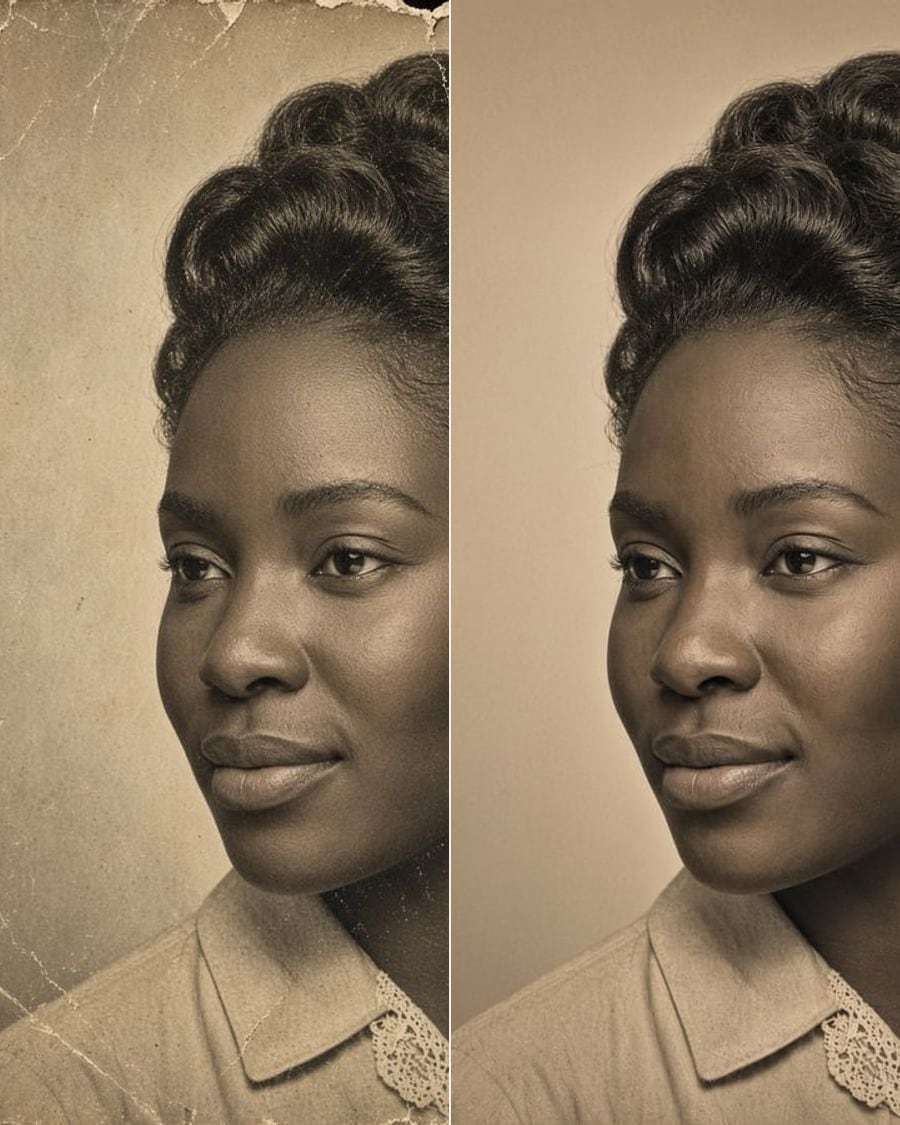
Restore old photoSoonScratches, fading and tears, gone. Colour optional.
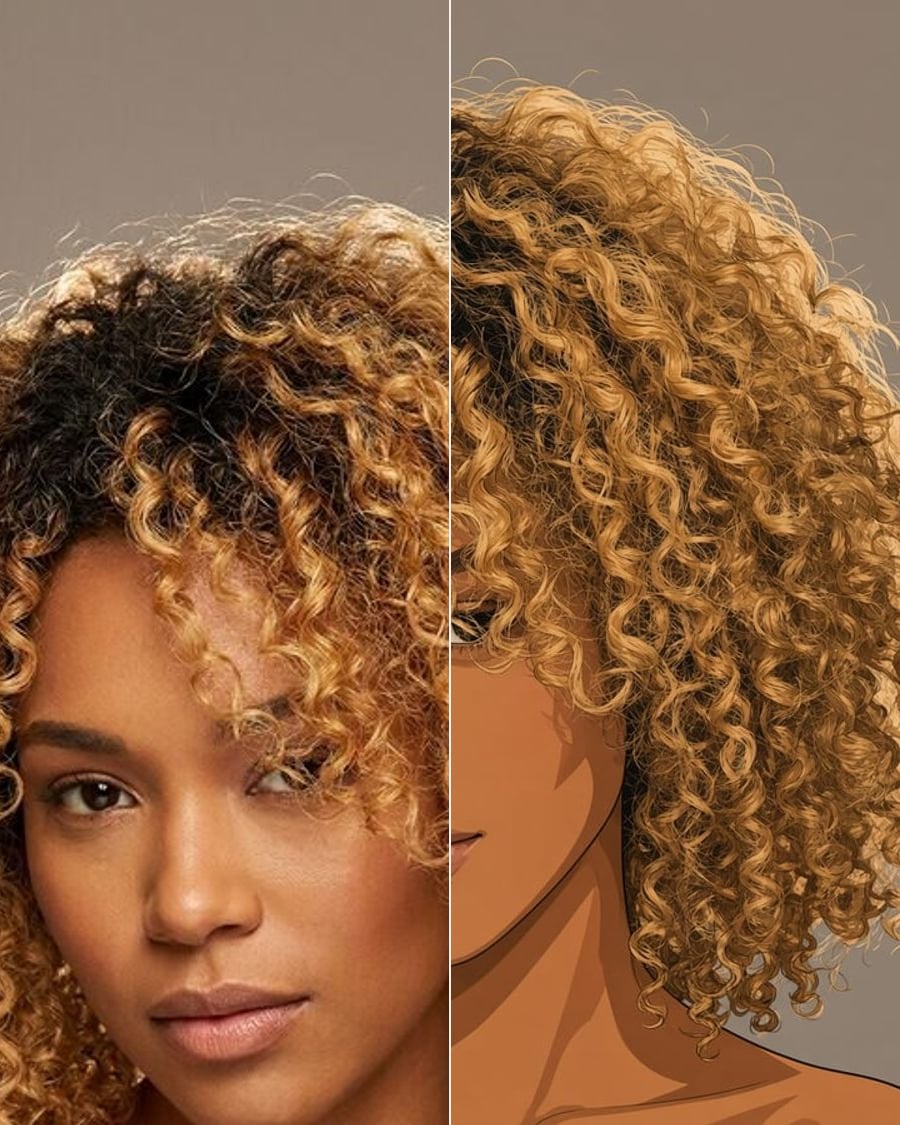
Photo to artSoonAnime, watercolour, oil, comic.
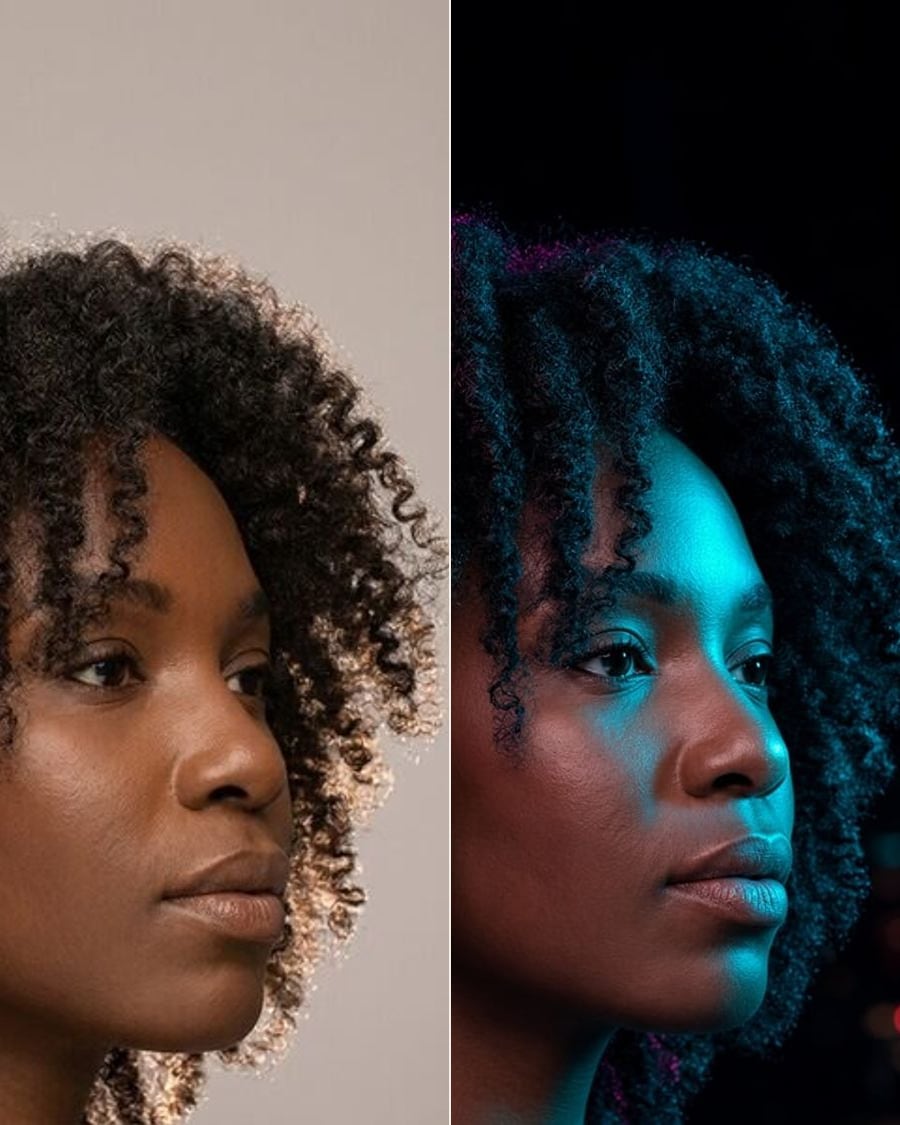
RelightSoonGolden hour, studio or neon.
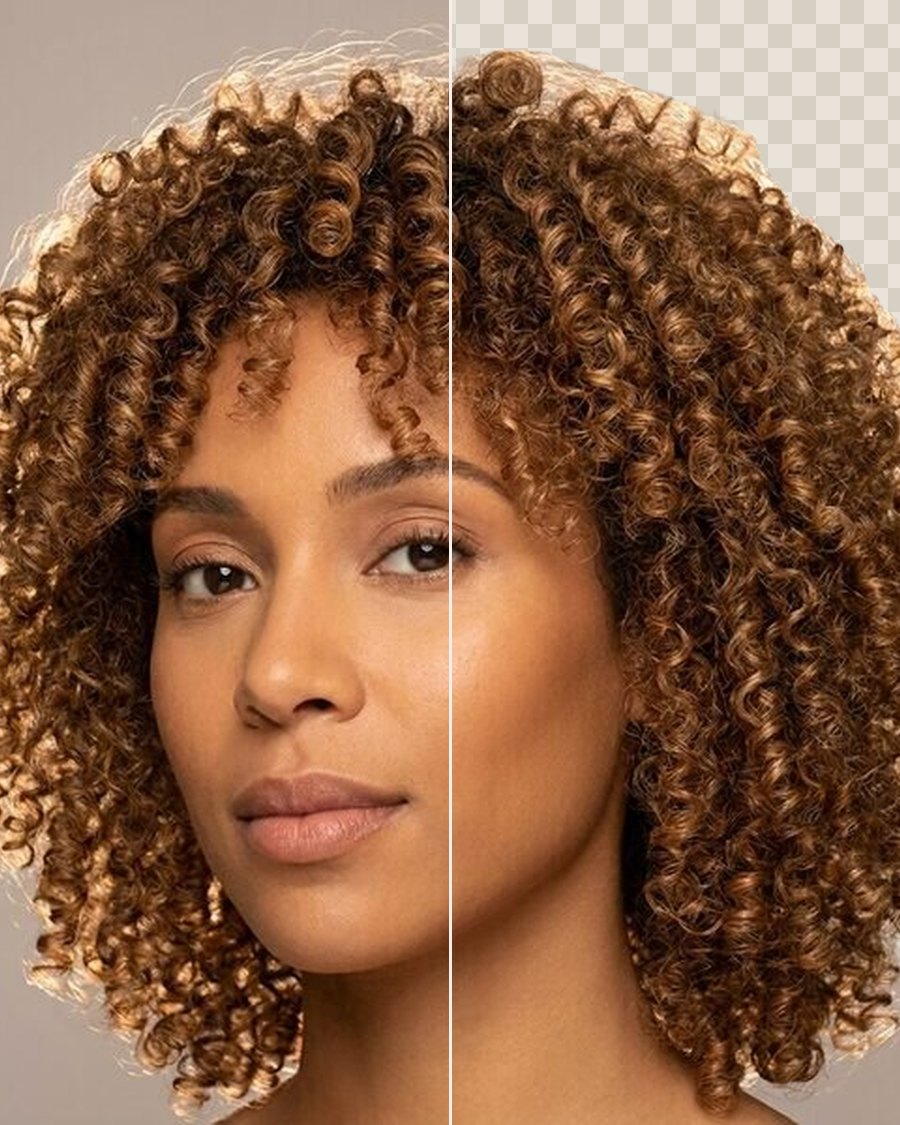
Remove backgroundFreeA clean cut-out of the person, as a PNG.
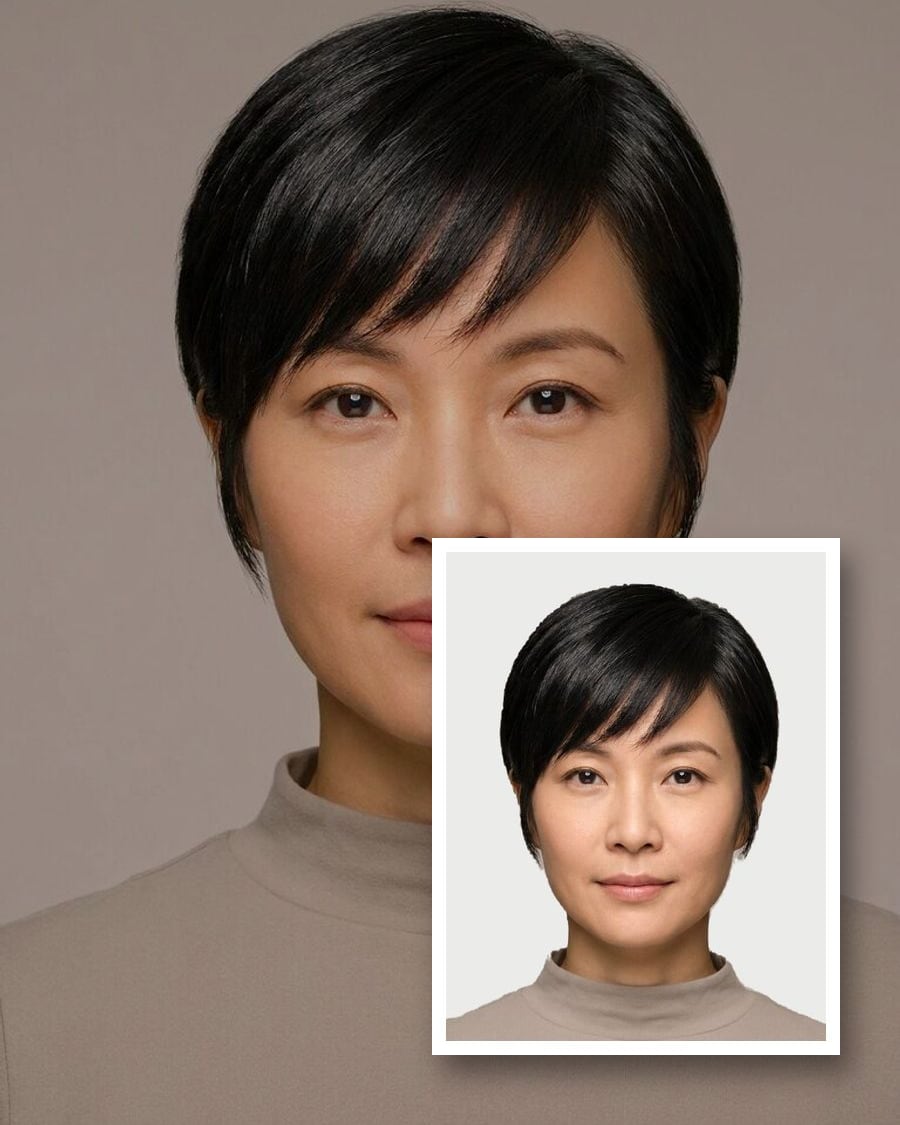
Passport & ID photosFreeThe right size, head height and background.
HEIC to JPGFreeiPhone photos to JPG, PNG or WebP, resized.