Change background
Studio, city, beach or office. Coming soon.
About Change background
Put a photo somewhere better: a clean studio backdrop, a city at dusk, a beach, an office, a garden.
One credit is one photo. Anything that doesn’t come out is refunded. Your photos are kept for 30 days, and you can delete them any time.
How it works
- Upload a photo.
- Pick a new background.
- Download two versions to choose from.
Questions
- How much does it cost?
- 2 credits a background. New accounts get 12 free credits, and anything that doesn’t come out is refunded. Credits never expire.
- Can I just remove the background?
- Yes, free: use Remove background for a transparent PNG.
- What happens to my files?
- They’re used only to make your result, kept for 30 days so you can download it again, and you can delete them any time.
More in Edit
See all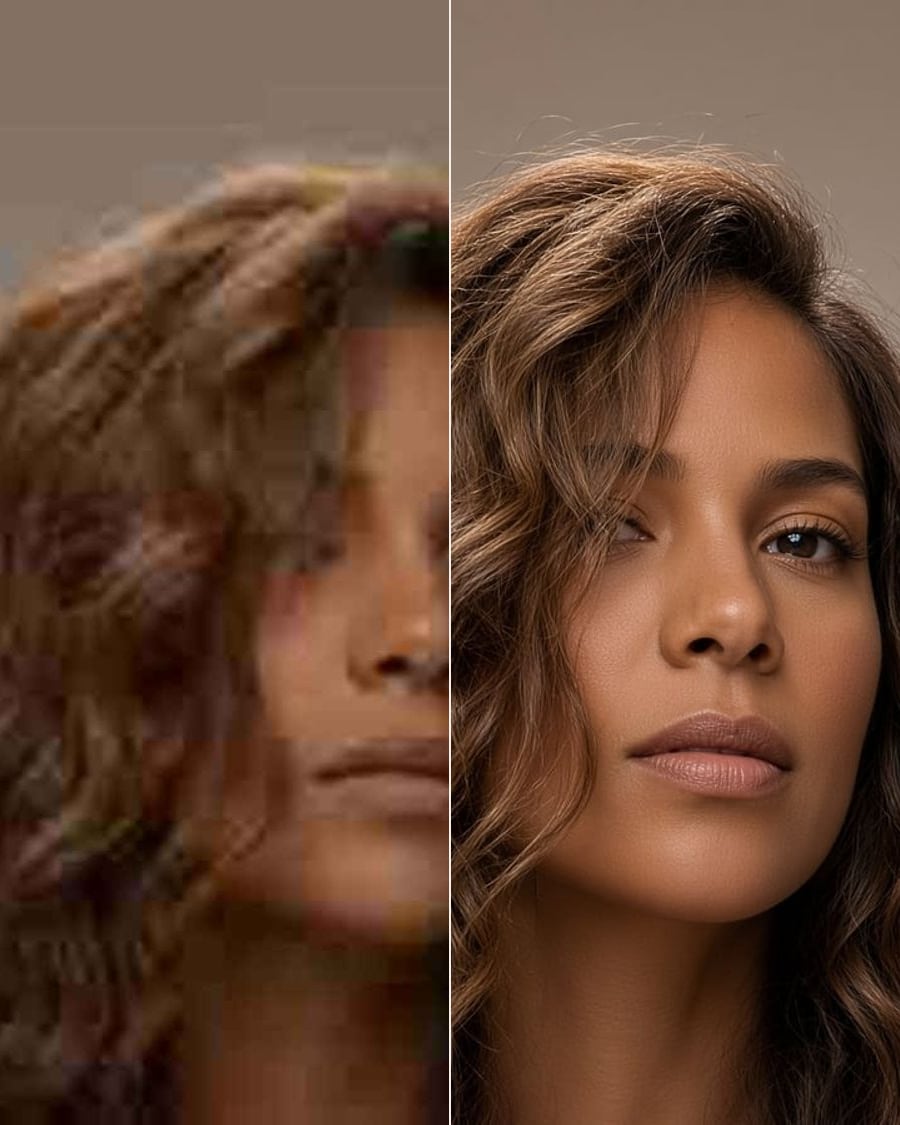
Photo enhancerSoonSharper, better lit, less noise.
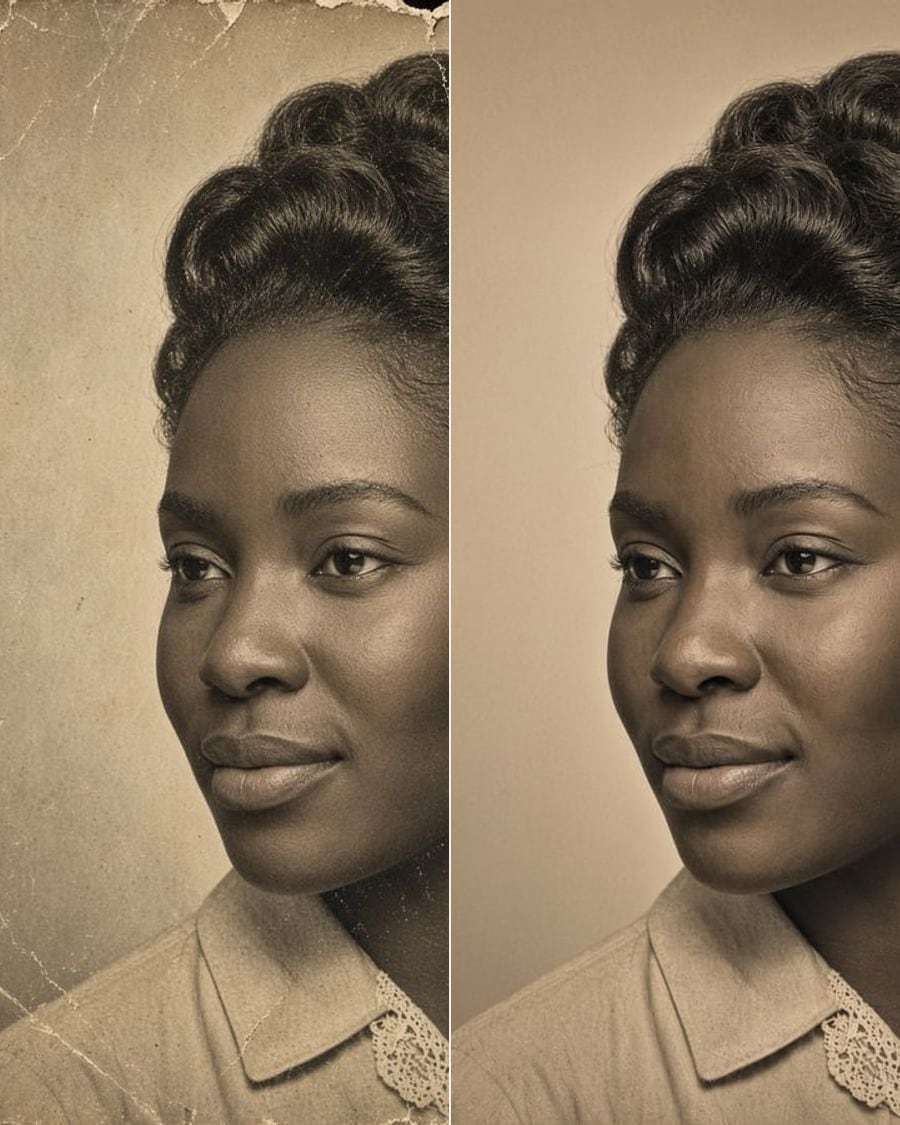
Restore old photoSoonScratches, fading and tears, gone. Colour optional.
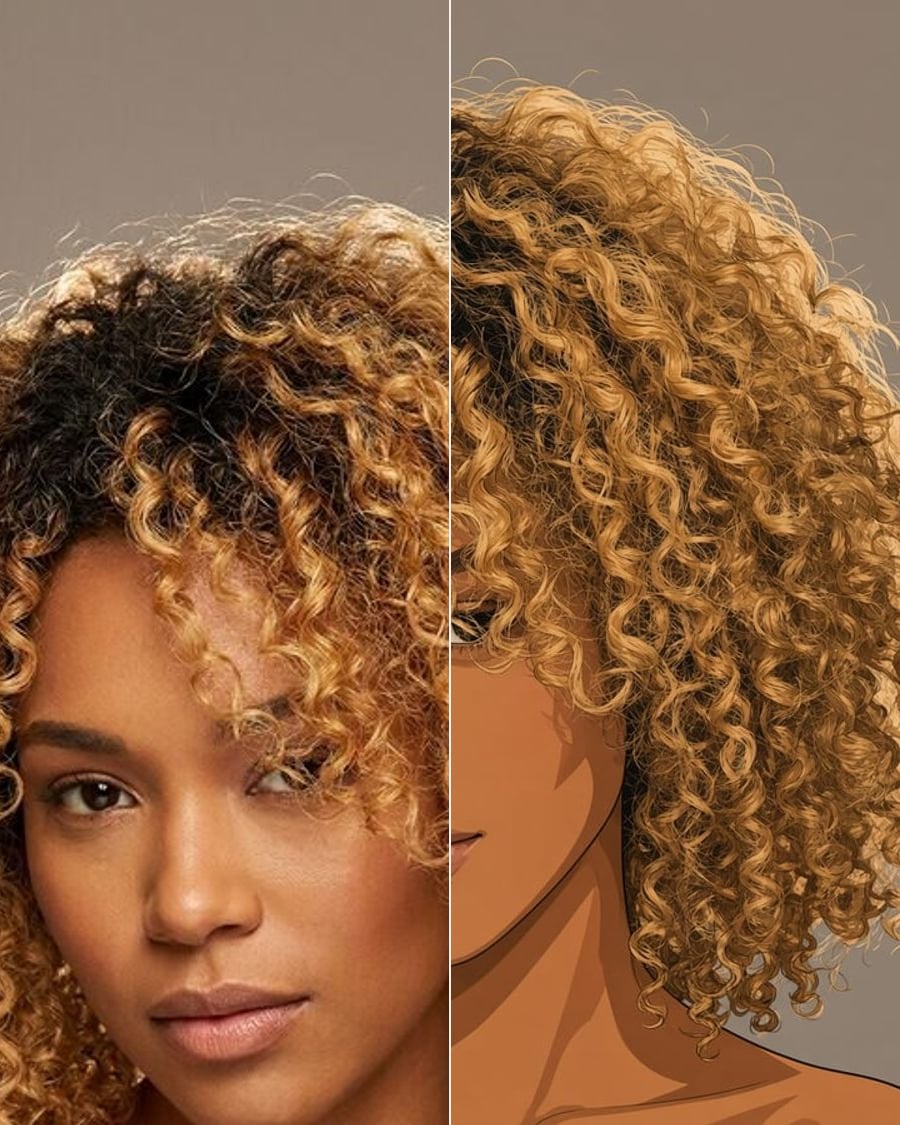
Photo to artSoonAnime, watercolour, oil, comic.
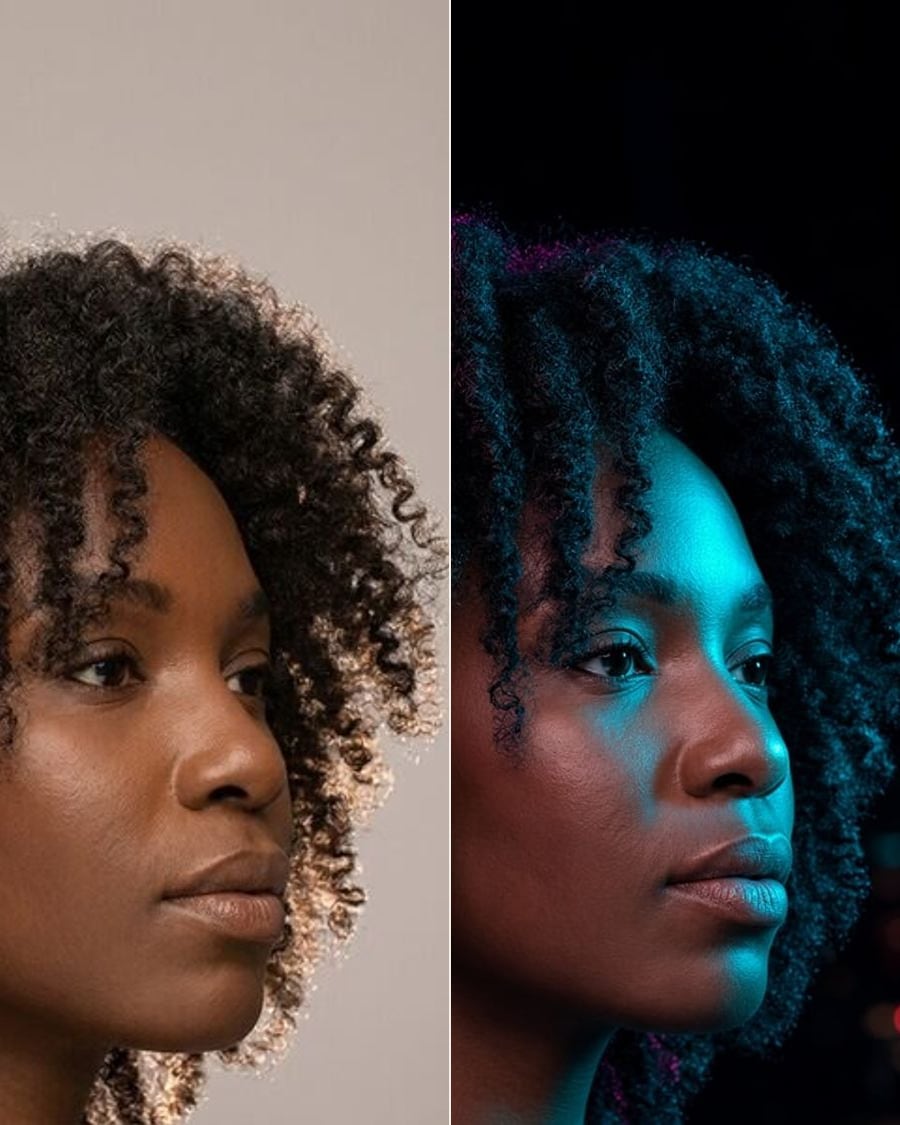
RelightSoonGolden hour, studio or neon.
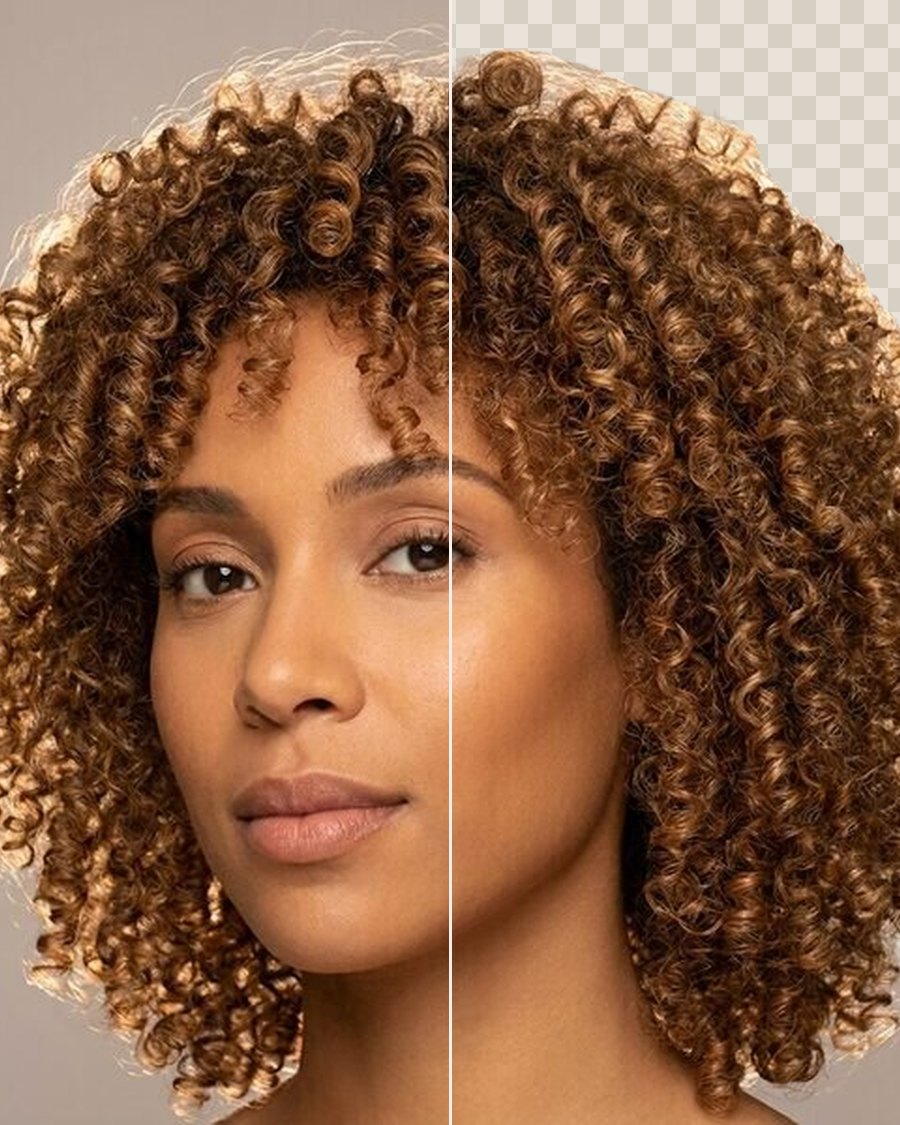
Remove backgroundFreeA clean cut-out of the person, as a PNG.
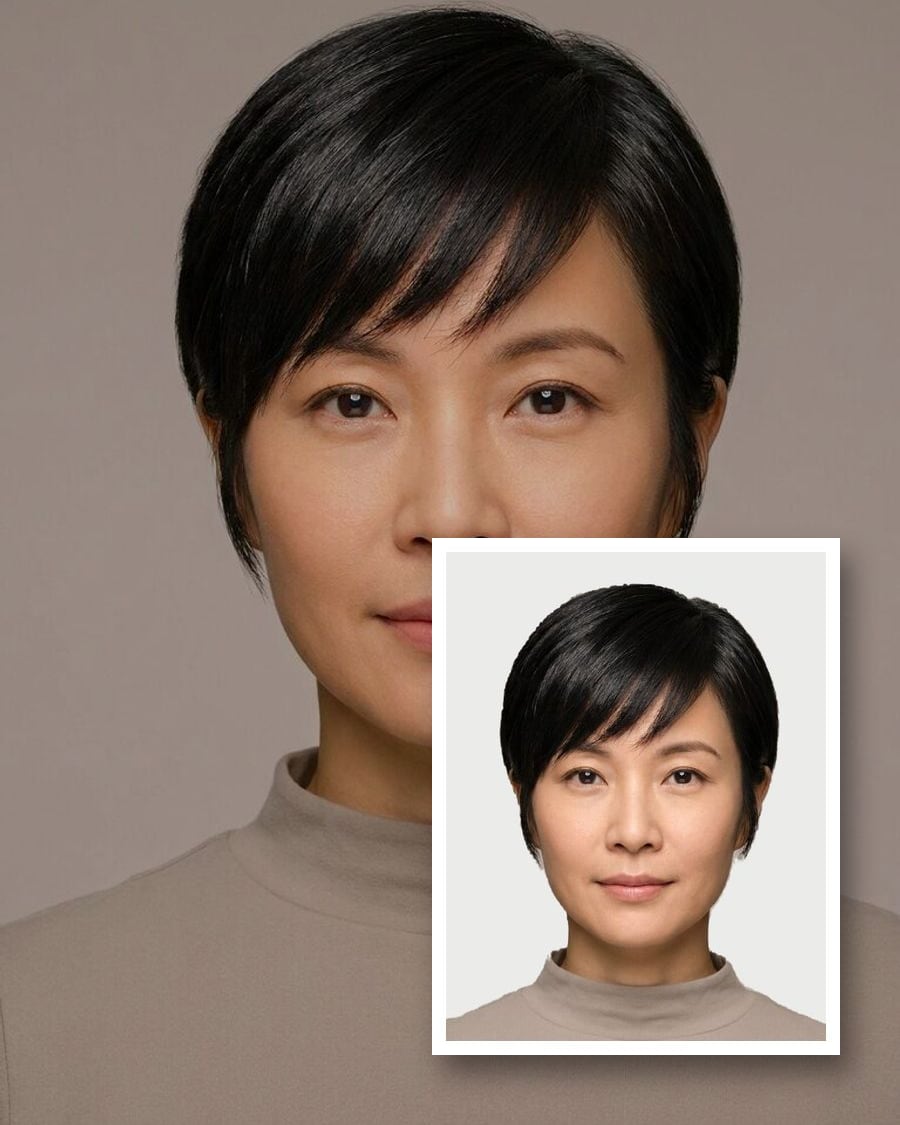
Passport & ID photosFreeThe right size, head height and background.
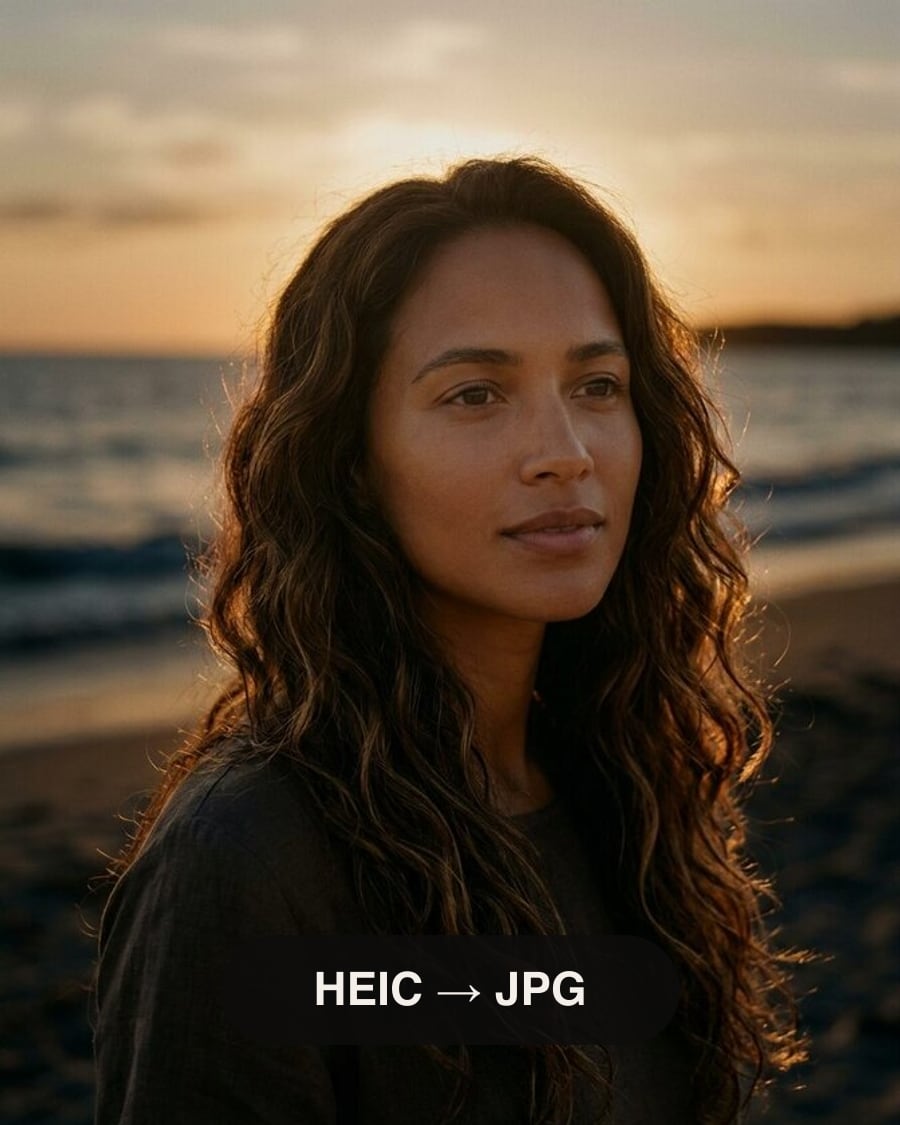
HEIC to JPGFreeiPhone photos to JPG, PNG or WebP, resized.
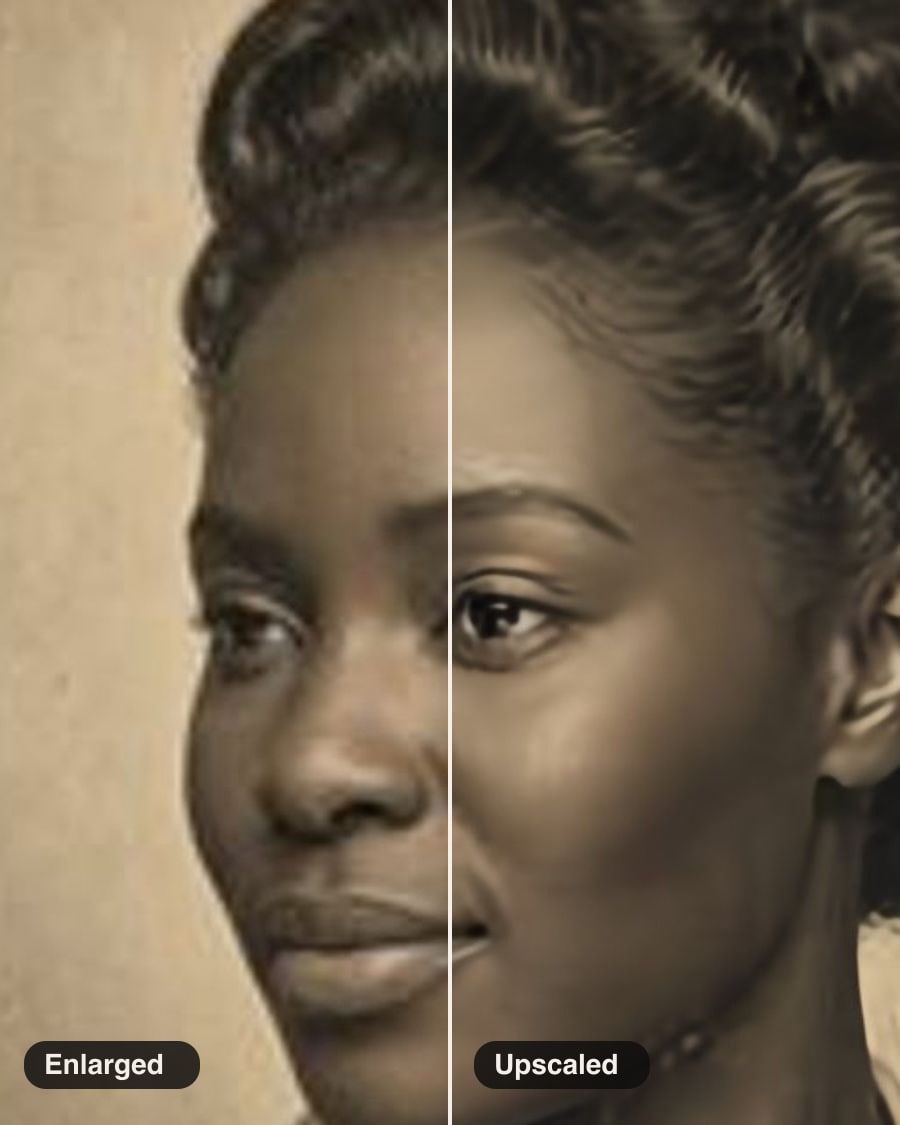
Photo upscalerFree2× or 4× larger, with real detail.