Photo upscaler
2× or 4× larger, with real detail. Free.
About Photo upscaler
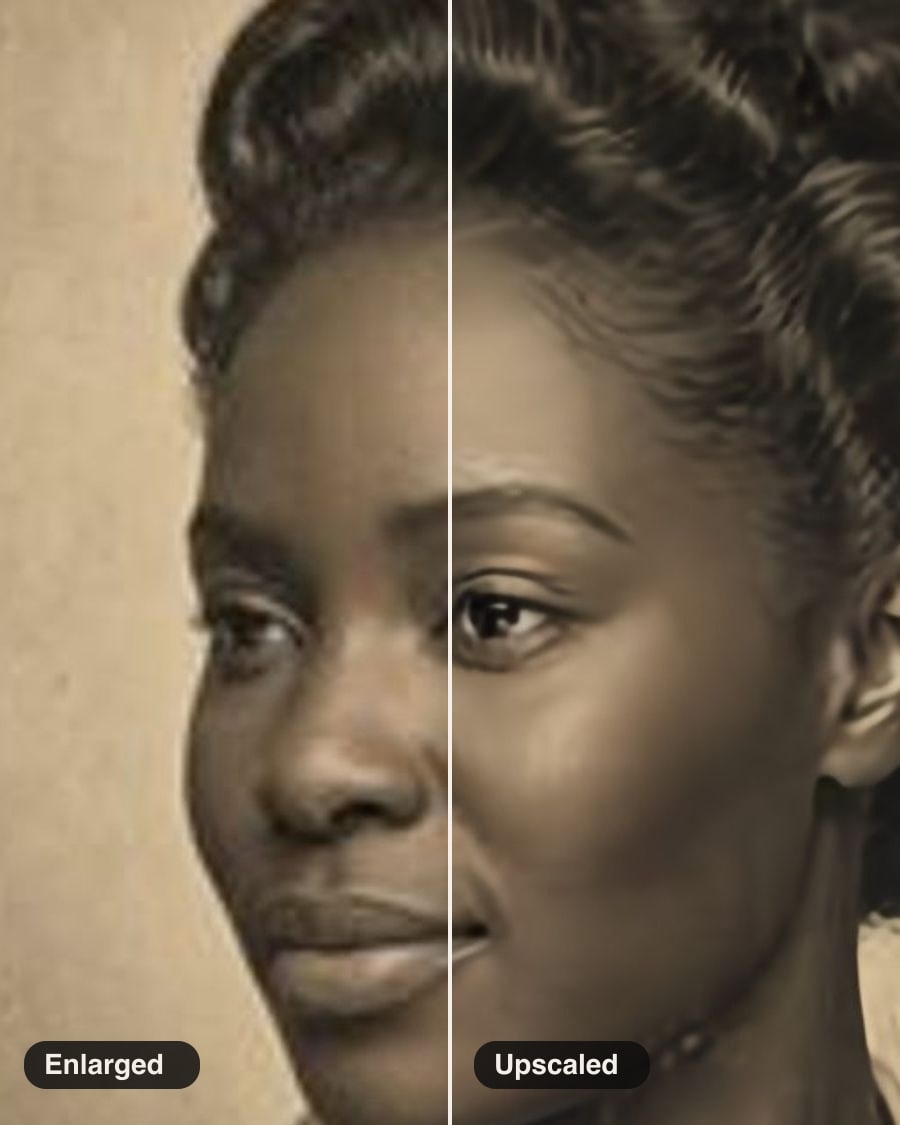
Make a small or soft photo 2× or 4× larger with a super-resolution model that adds believable detail instead of blur: for old photos, screenshots and prints. Runs on your device; nothing is uploaded.
Free, and done on your device: nothing is uploaded.
How it works
- Drop in a photo.
- Choose 4× for photos or 2× for clean images.
- Compare before and after, then download.
Questions
- Is it free?
- Yes. No sign-in, no credits and no watermark: download the result as many times as you like.
- Are my photos uploaded?
- No. This tool runs in your browser, on your device. Your photos are never sent to us or anyone else.
- How big can the photo be?
- Larger photos are brought down first so a run takes about a minute on a computer with a graphics chip, or two on one without. The result is 2× or 4× that size.
- Will it fix an old, damaged photo?
- It adds detail; for scratches, tears and fading use Restore old photo.
More in Edit
See all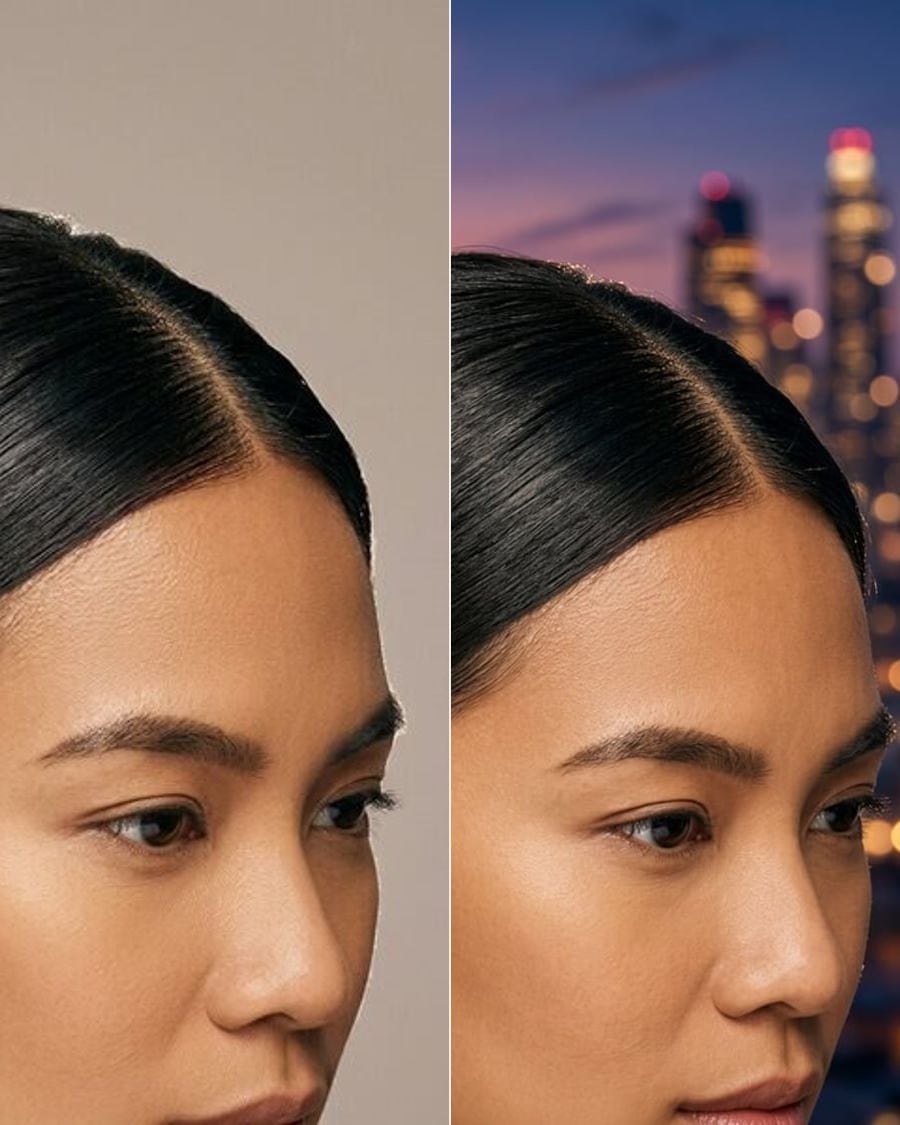
Change backgroundSoonStudio, city, beach or office.
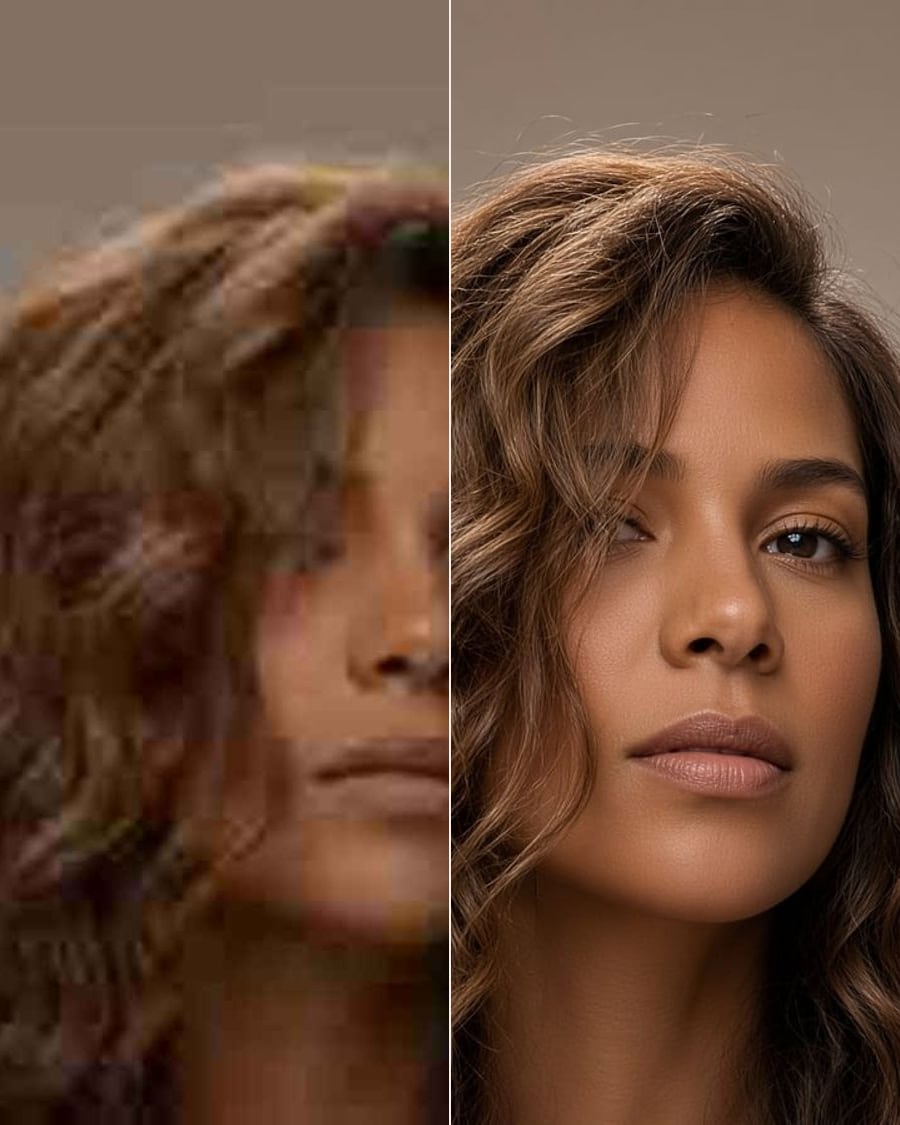
Photo enhancerSoonSharper, better lit, less noise.
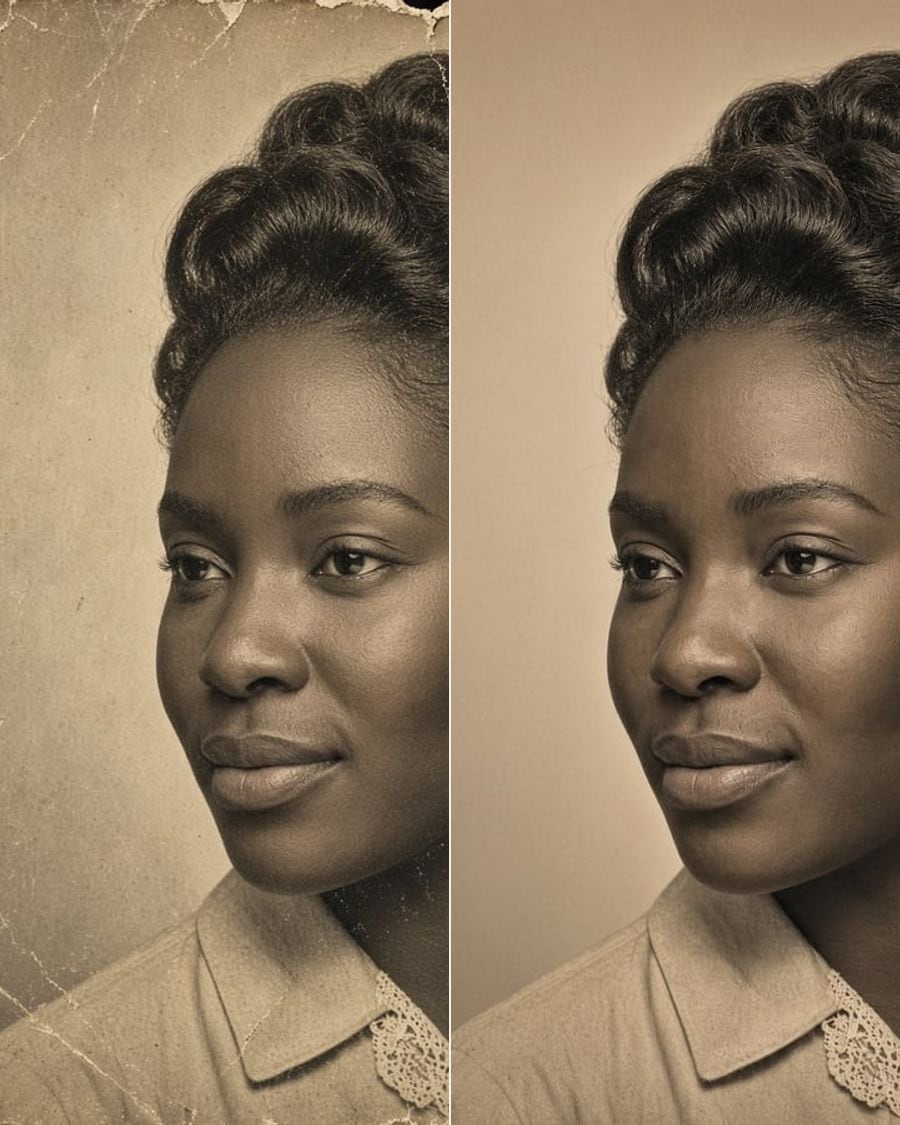
Restore old photoSoonScratches, fading and tears, gone. Colour optional.
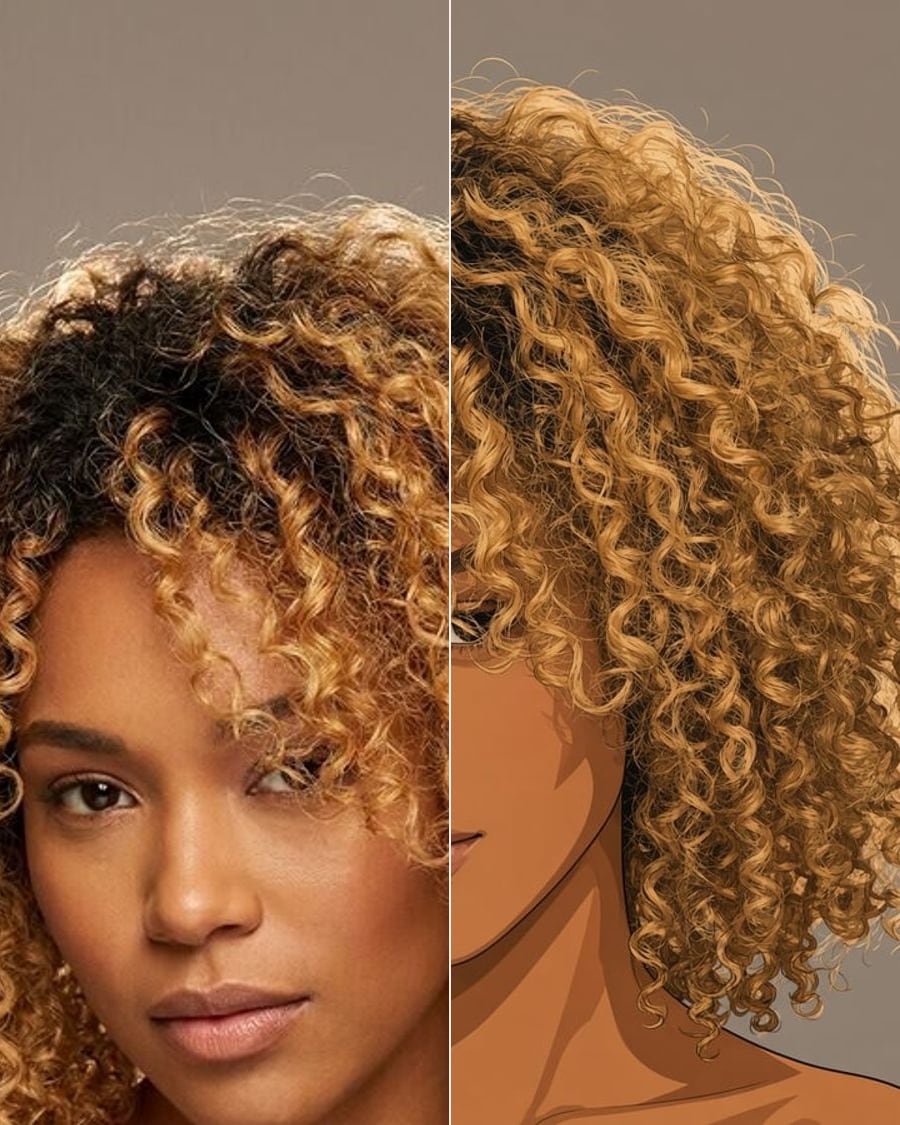
Photo to artSoonAnime, watercolour, oil, comic.
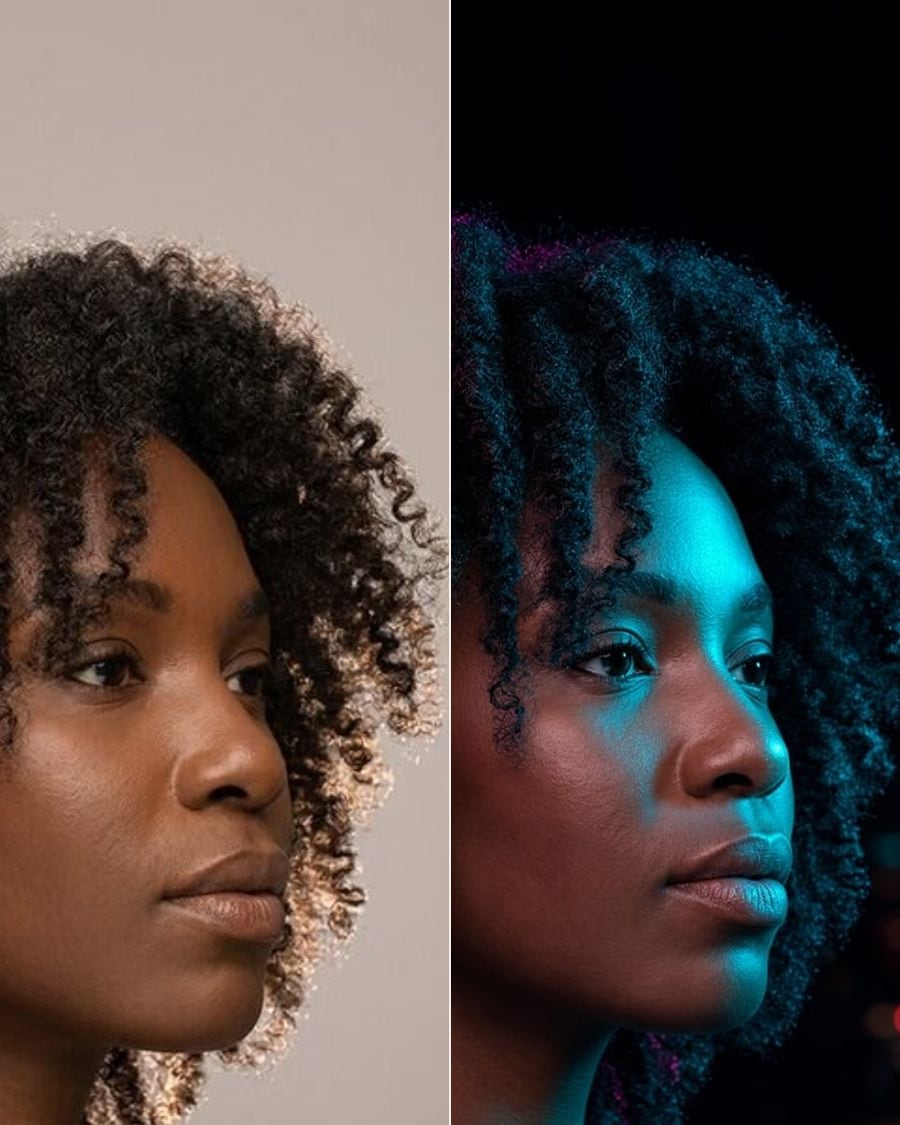
RelightSoonGolden hour, studio or neon.
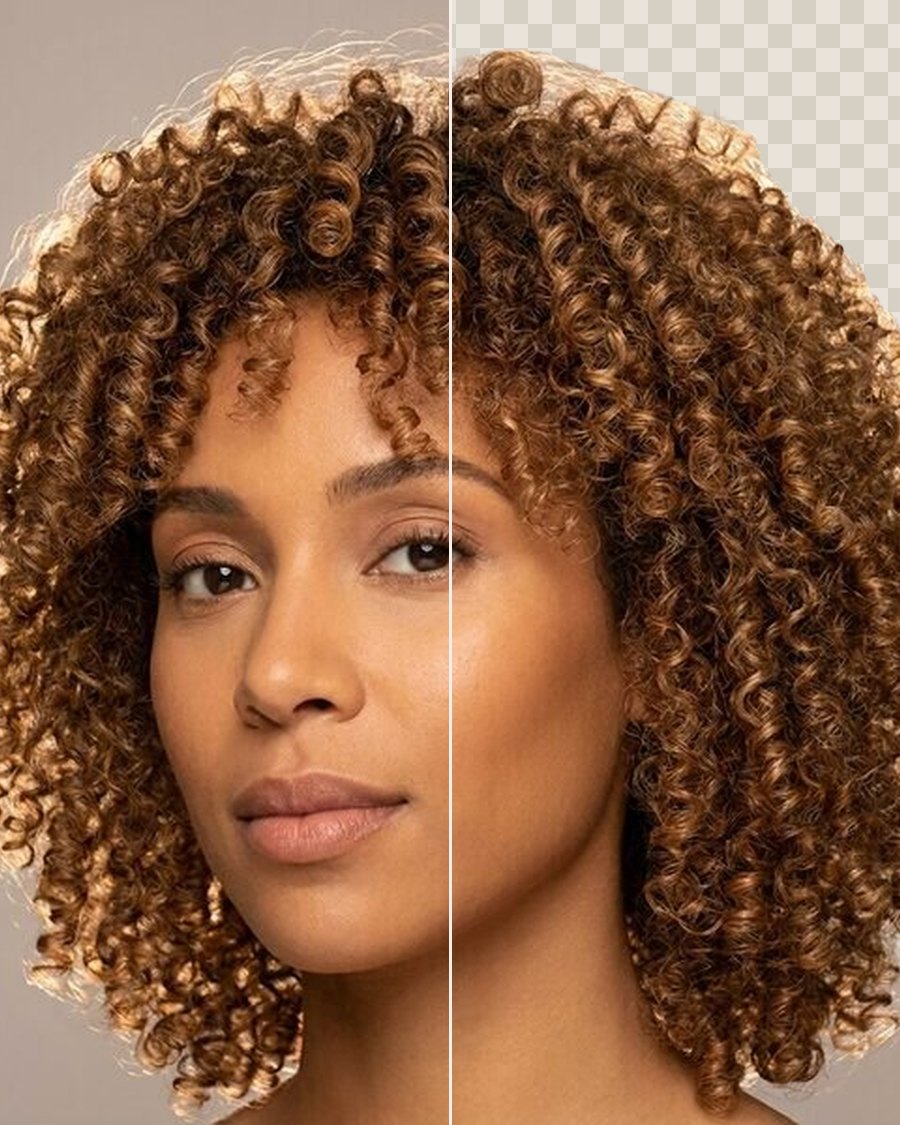
Remove backgroundFreeA clean cut-out of the person, as a PNG.
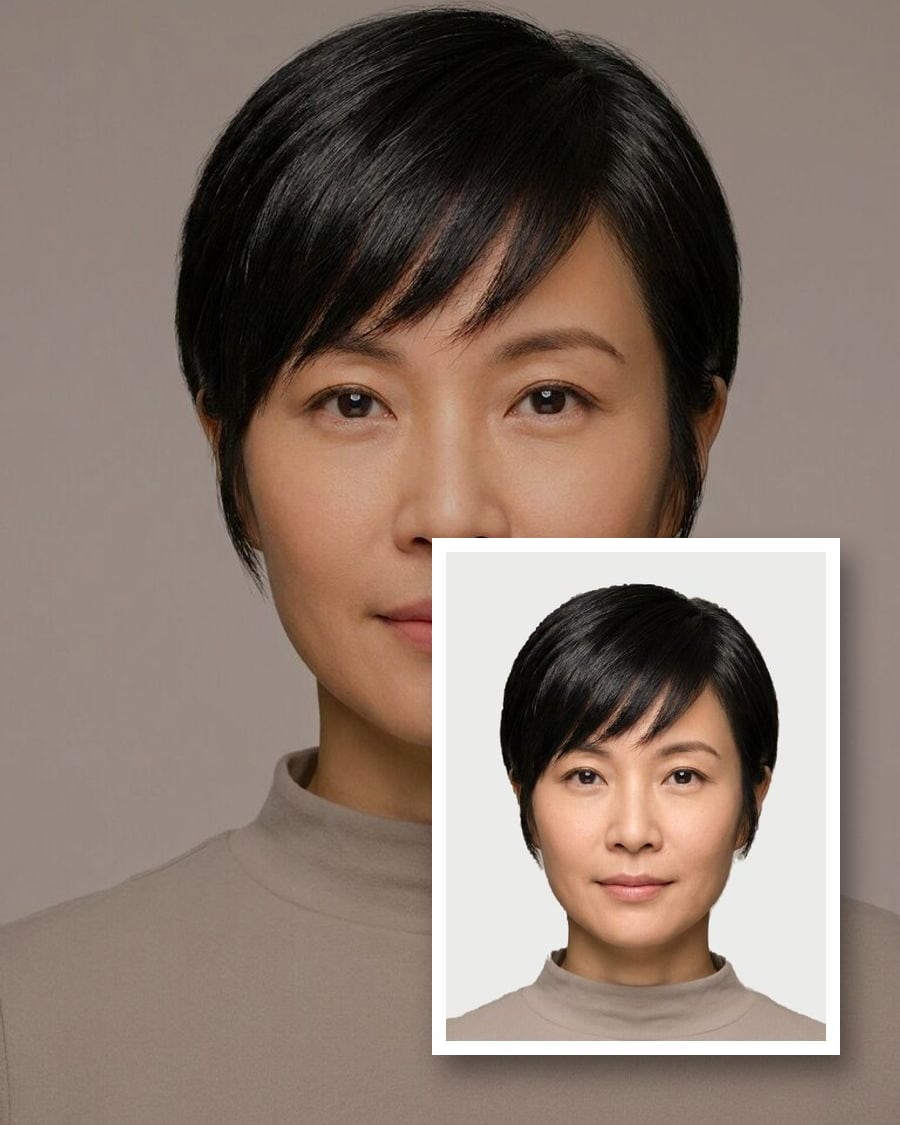
Passport & ID photosFreeThe right size, head height and background.
HEIC to JPGFreeiPhone photos to JPG, PNG or WebP, resized.