Photo scanner
Old prints scanned with your phone. Free.
About Photo scanner
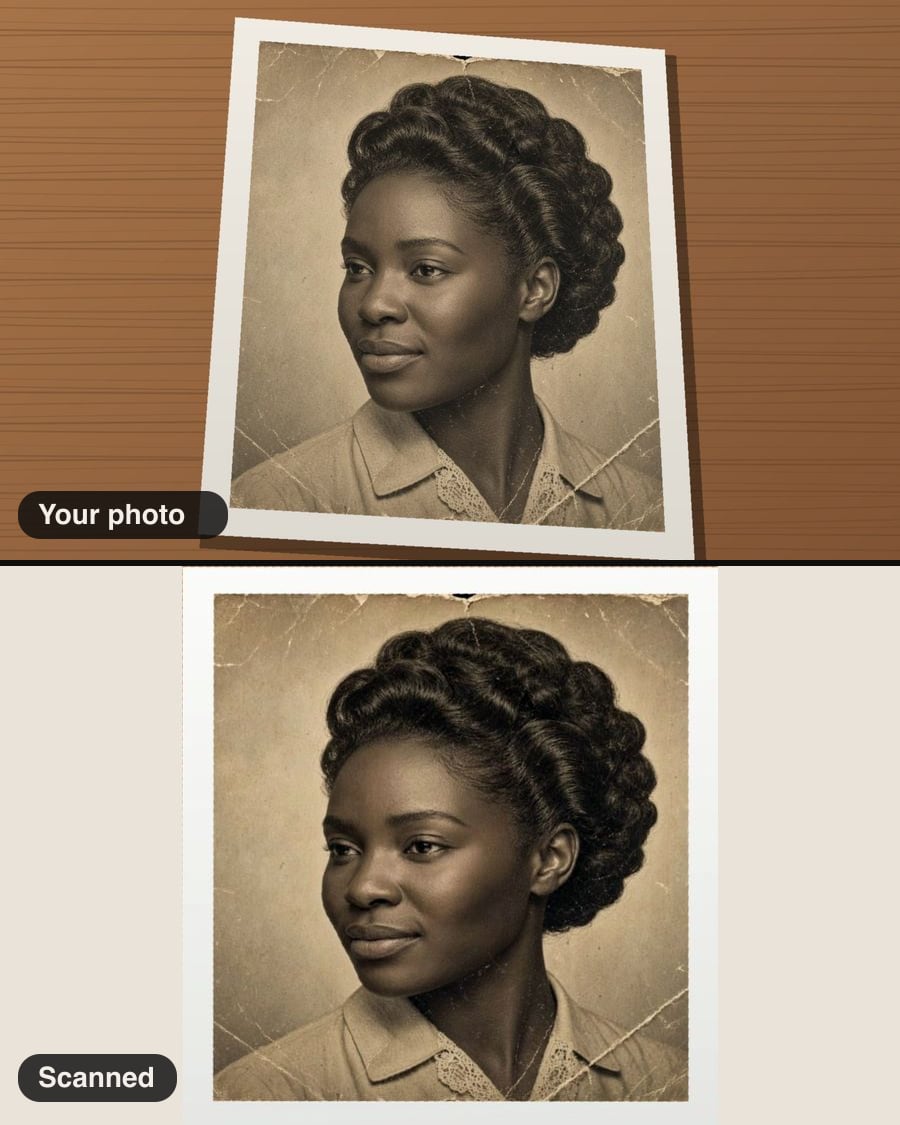
Photograph an old print on the table and get a flat, square-on scan: the corners found for you, the perspective straightened, and faded colour brought back. Then restore it further with the photo restorer if it’s scratched or torn. Done on your device; nothing is uploaded.
Free, and done on your device: nothing is uploaded.
How it works
- Lay the print flat on a plain, contrasting surface and photograph it.
- Check the corners; drag them if needed.
- Straighten, restore the colour and download.
Questions
- Is it free?
- Yes. No sign-in, no credits and no watermark: download the result as many times as you like.
- Are my photos uploaded?
- No. This tool runs in your browser, on your device. Your photos are never sent to us or anyone else.
- How do I avoid glare?
- Glare can’t be removed after the fact: tilt the print slightly or turn off overhead lights, and photograph it in daylight.
- Can it fix scratches and tears?
- Scan it here, then use Restore old photo to repair damage and fading.
More in Edit
See all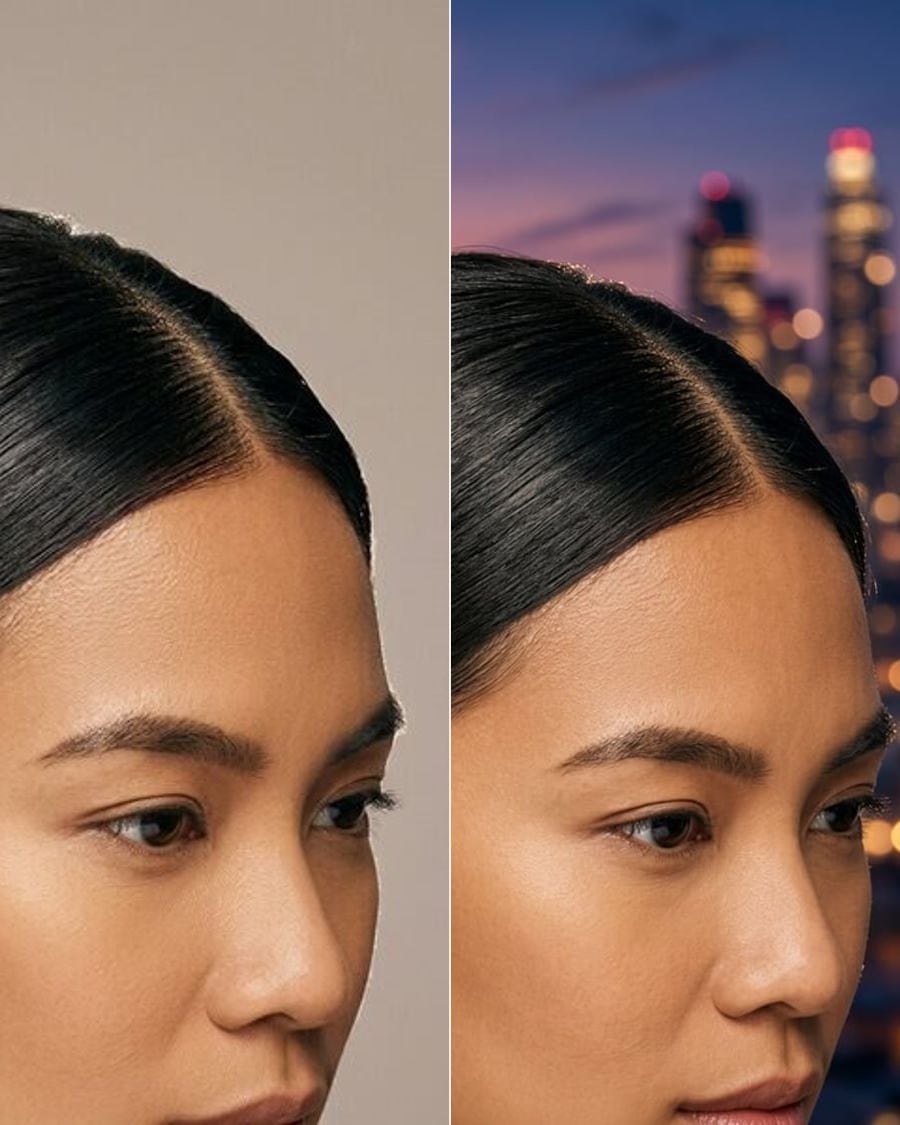
Change backgroundSoonStudio, city, beach or office.
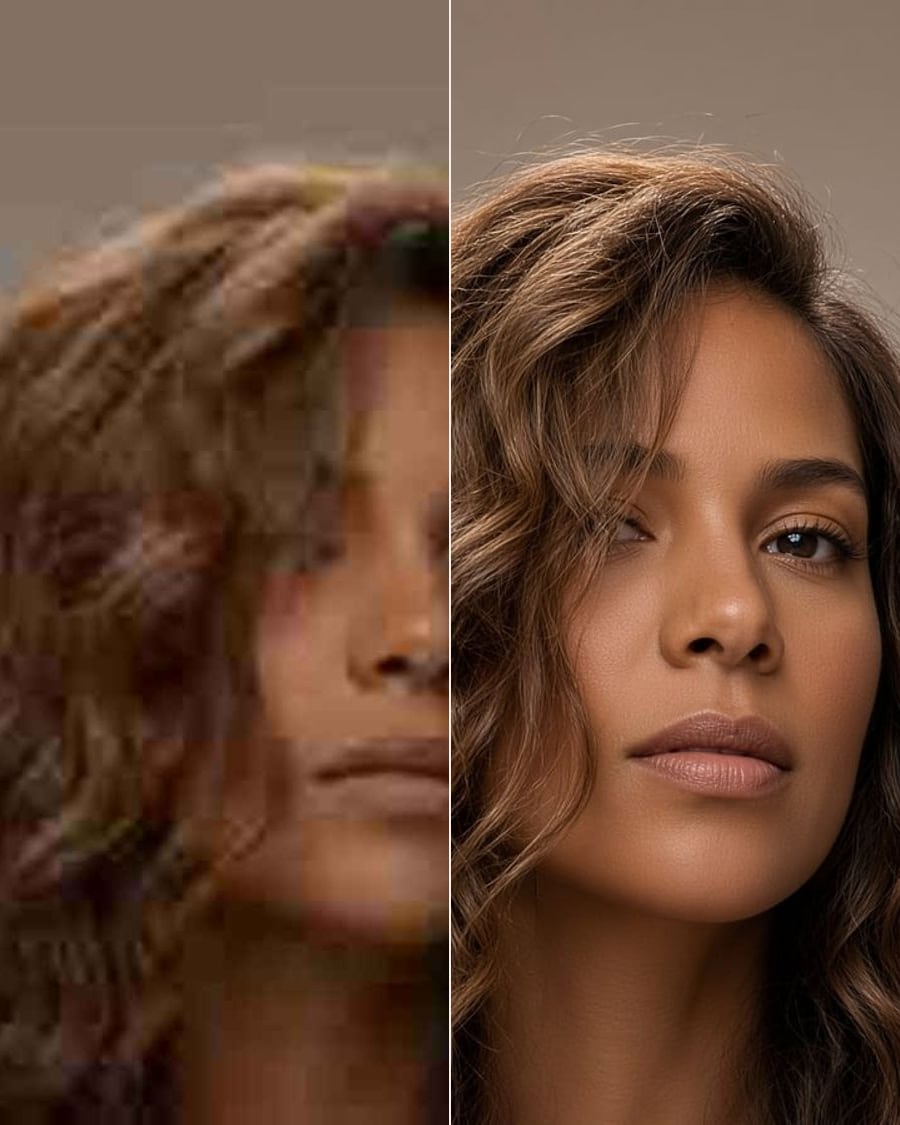
Photo enhancerSoonSharper, better lit, less noise.
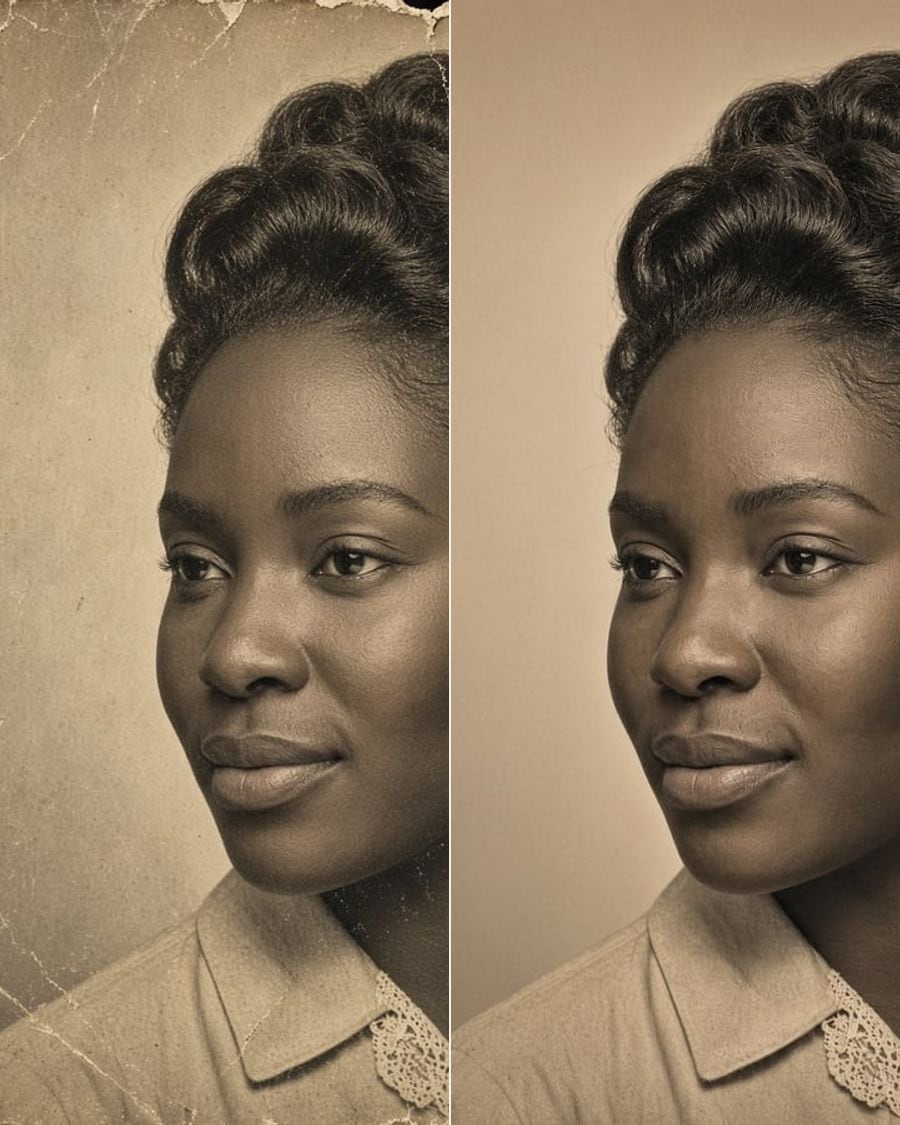
Restore old photoSoonScratches, fading and tears, gone. Colour optional.
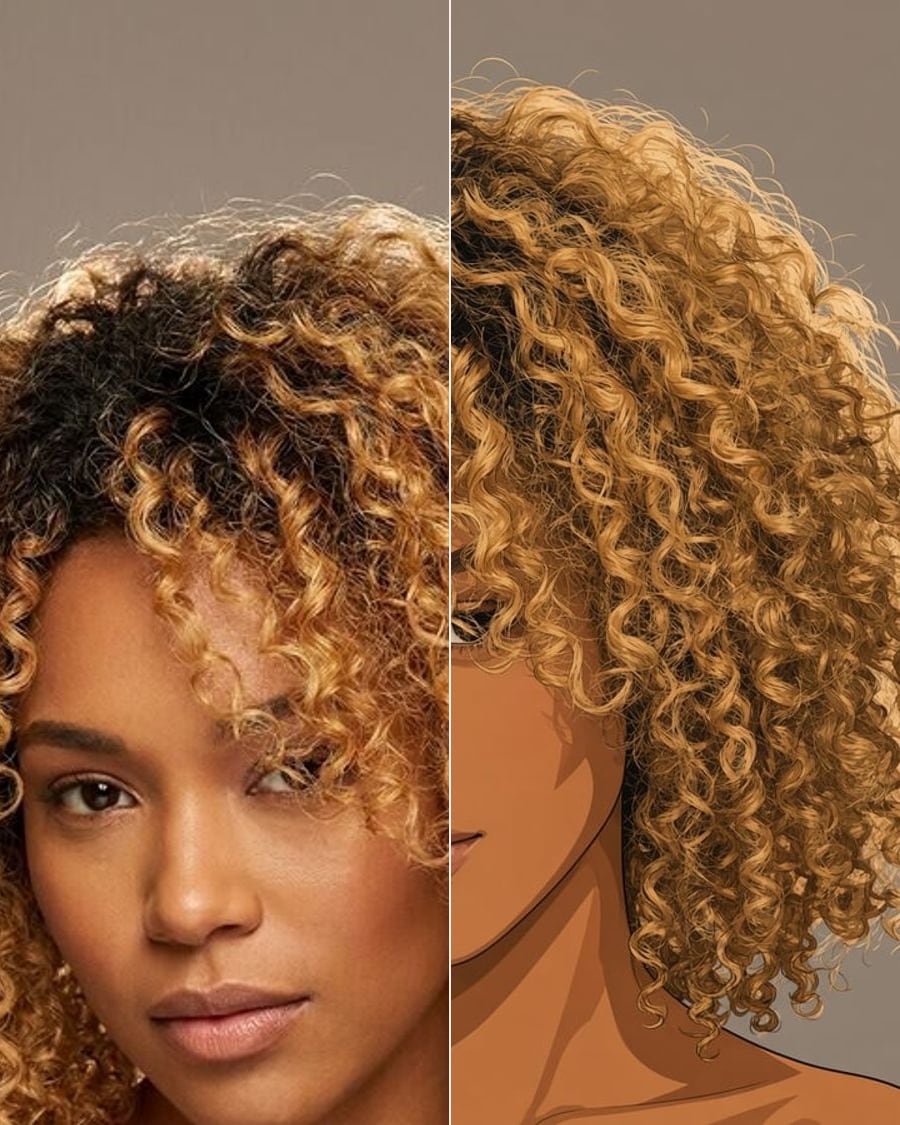
Photo to artSoonAnime, watercolour, oil, comic.
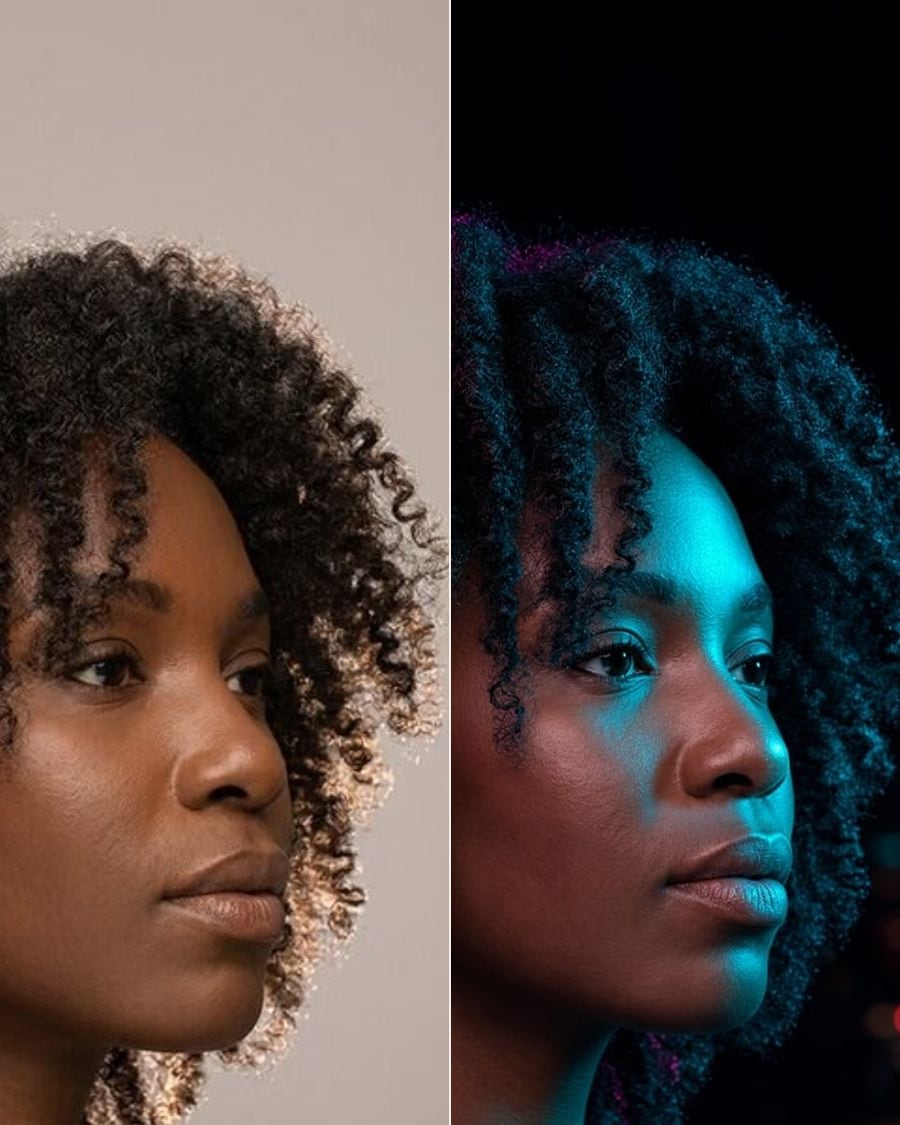
RelightSoonGolden hour, studio or neon.
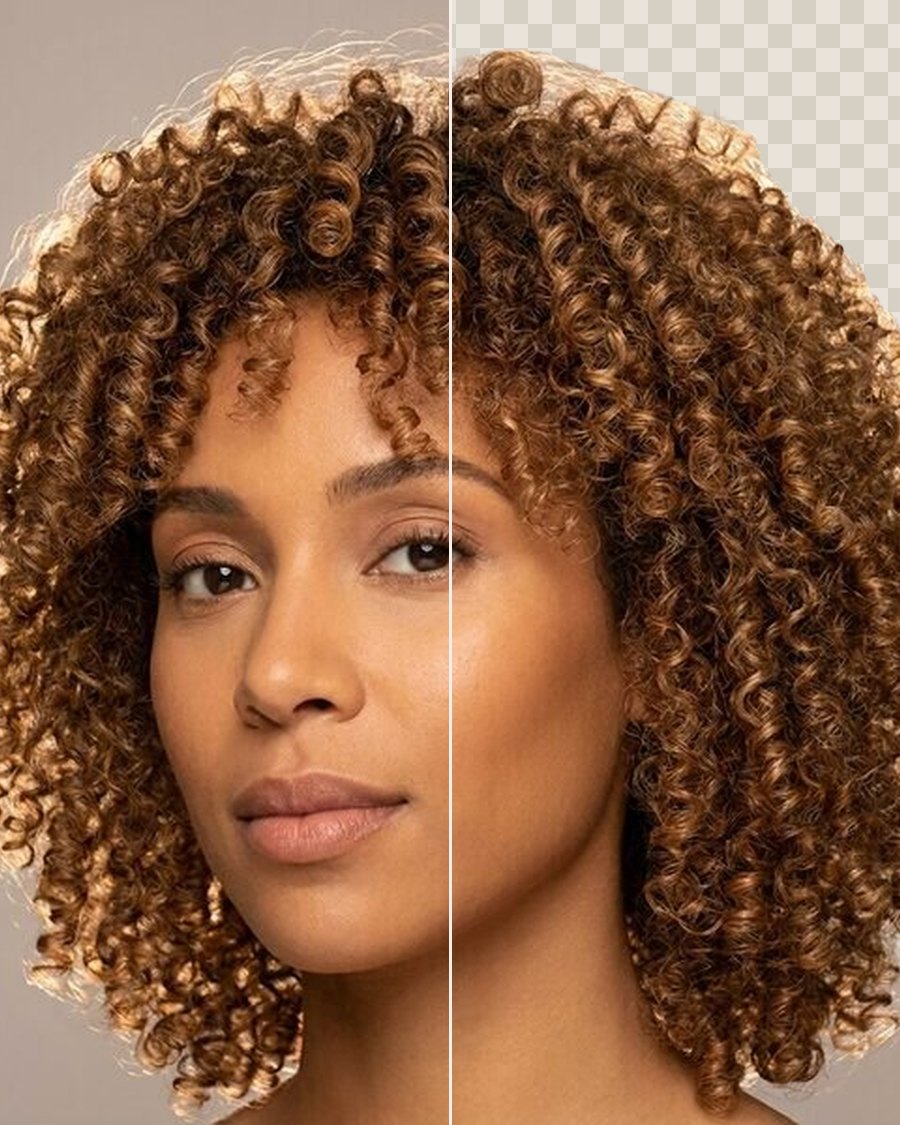
Remove backgroundFreeA clean cut-out of the person, as a PNG.
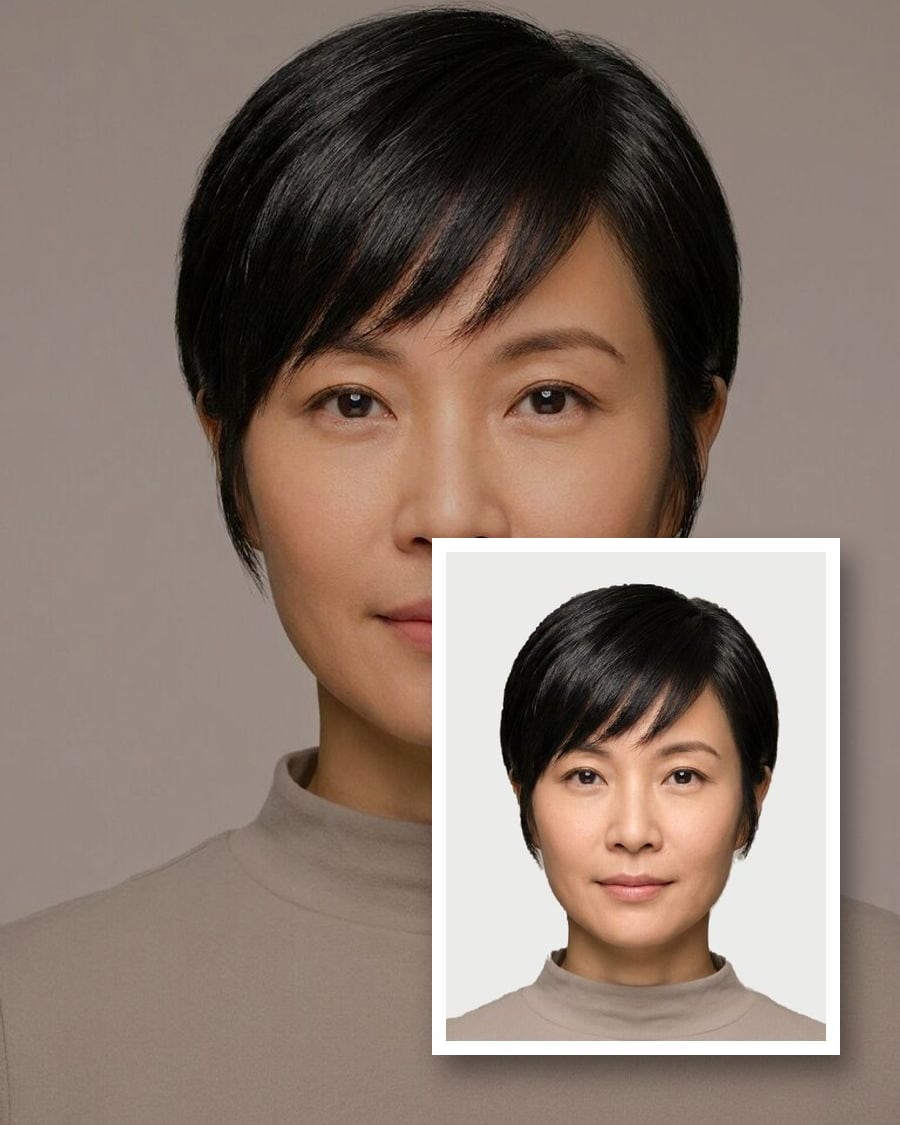
Passport & ID photosFreeThe right size, head height and background.
HEIC to JPGFreeiPhone photos to JPG, PNG or WebP, resized.