Double exposure
A scene inside your silhouette. Free.
About Double exposure
Blend a portrait with a landscape, city or forest, the way two frames exposed on one piece of film blend: the scene fills your silhouette. Classic, black and white, night or colour. Right in your browser, nothing uploaded.
Free, and done on your device: nothing is uploaded.
How it works
- Pick a style: classic, black and white, night or colour.
- Add a portrait and a scene.
- Adjust the strength and position, then download.
Questions
- Is it free?
- Yes. No sign-in, no credits and no watermark: download the result as many times as you like.
- Are my photos uploaded?
- No. This tool runs in your browser, on your device. Your photos are never sent to us or anyone else.
- What photos work best?
- A portrait on a plain background, and a landscape with strong shapes: trees, mountains or a skyline.
More in Edit
See all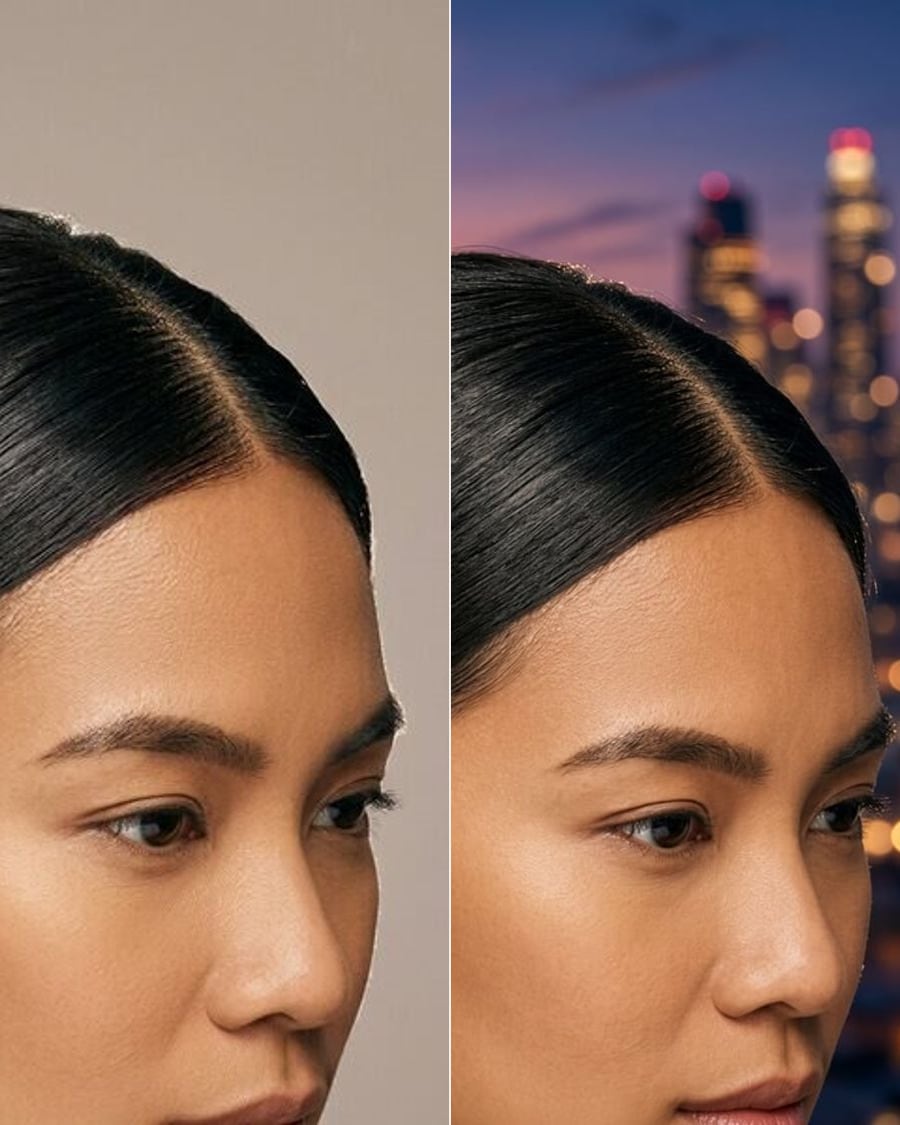
Change backgroundSoonStudio, city, beach or office.
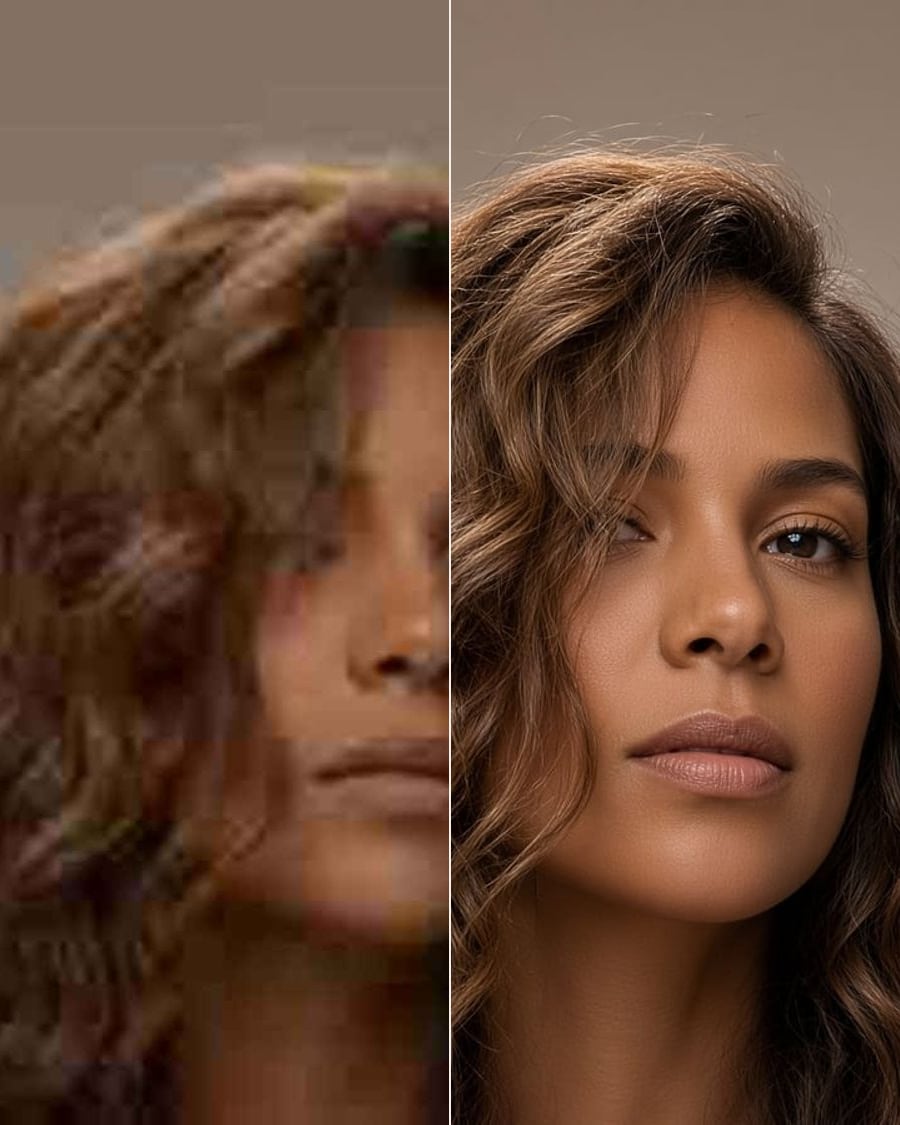
Photo enhancerSoonSharper, better lit, less noise.
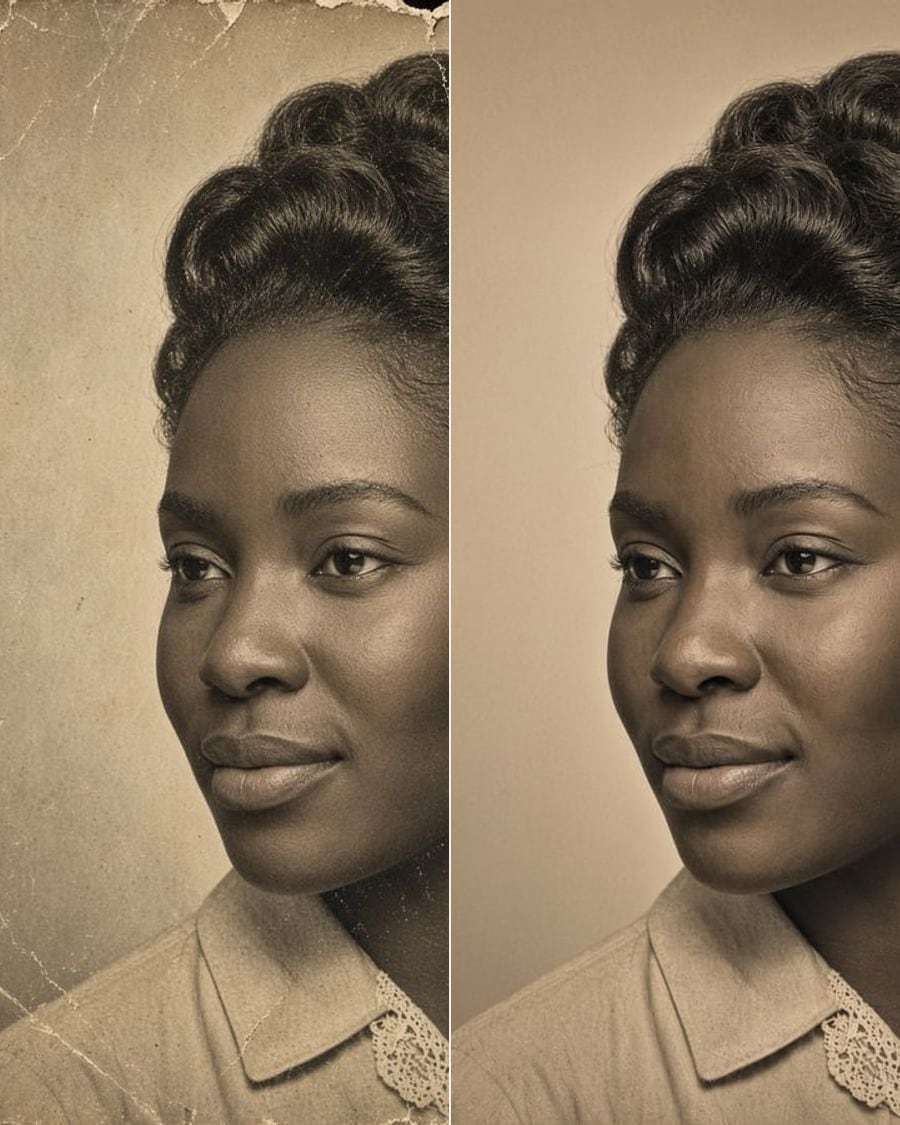
Restore old photoSoonScratches, fading and tears, gone. Colour optional.
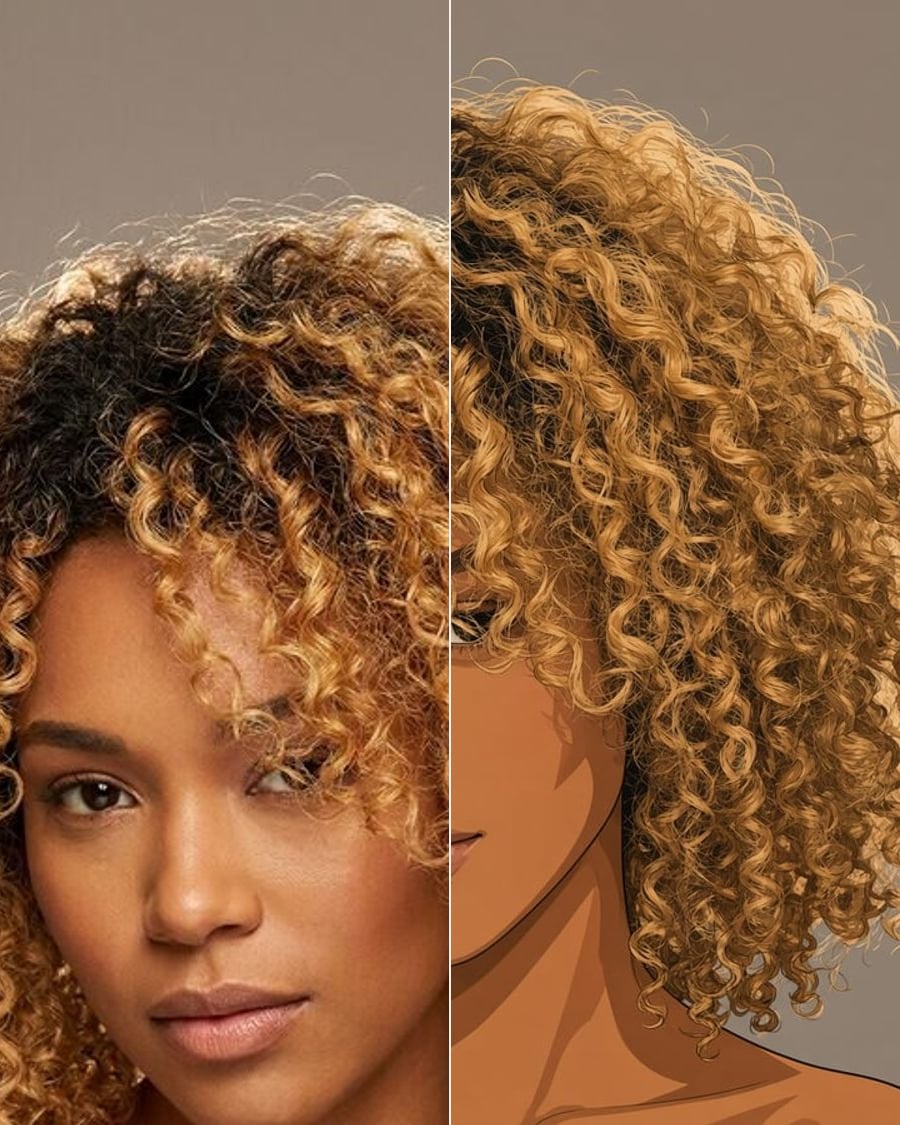
Photo to artSoonAnime, watercolour, oil, comic.
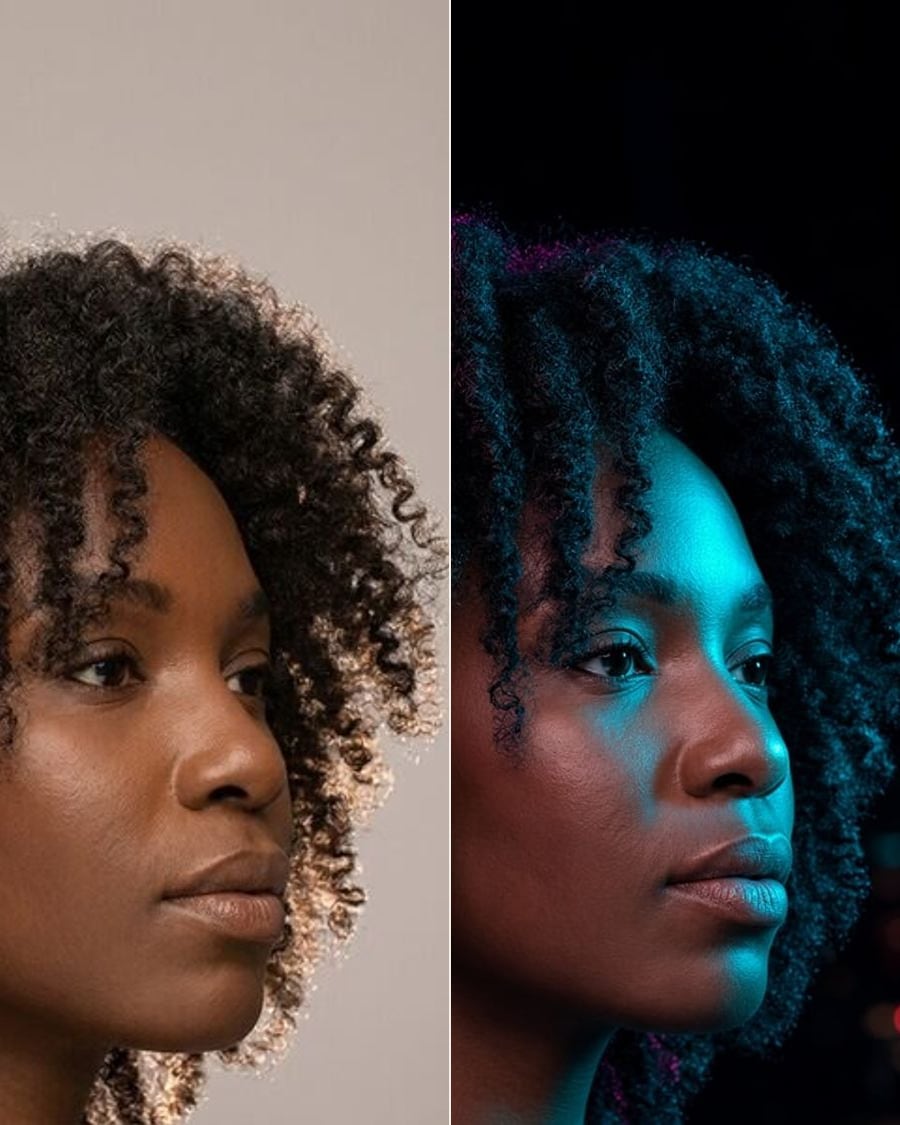
RelightSoonGolden hour, studio or neon.
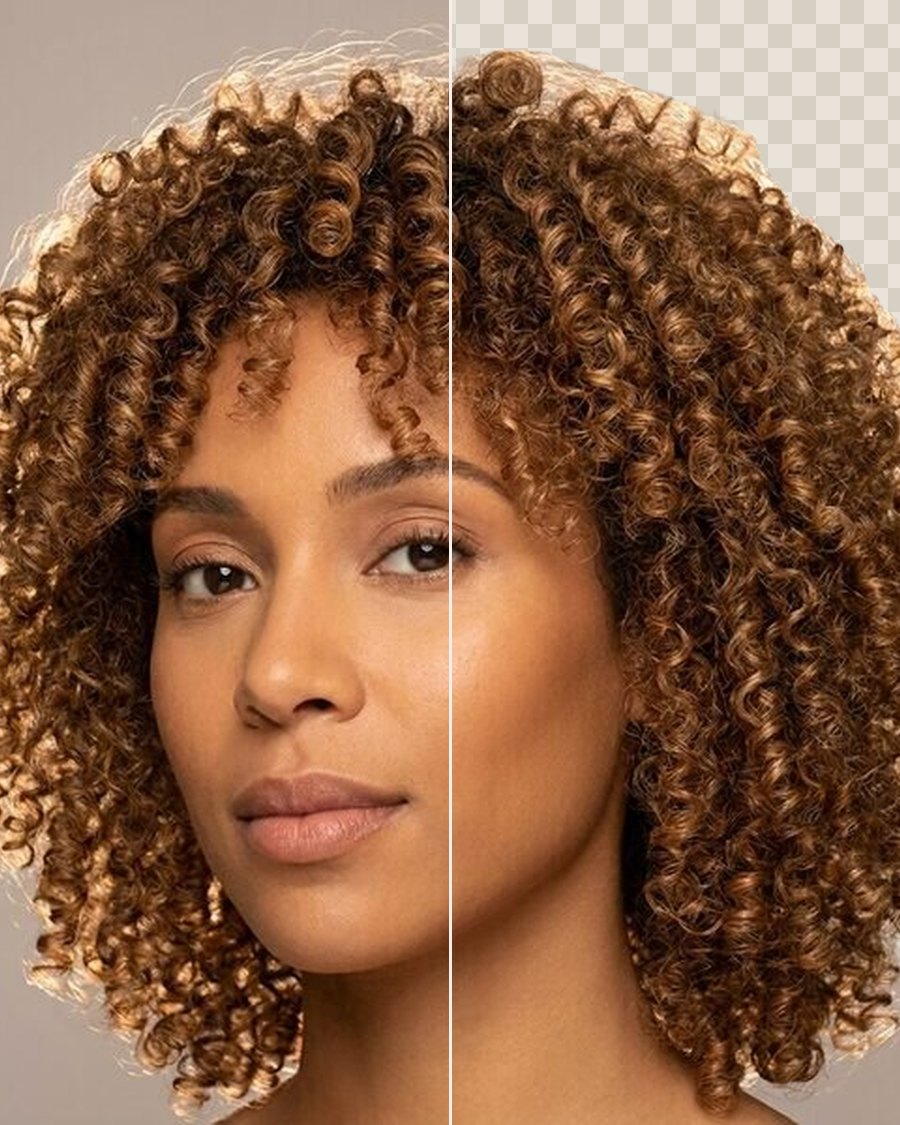
Remove backgroundFreeA clean cut-out of the person, as a PNG.
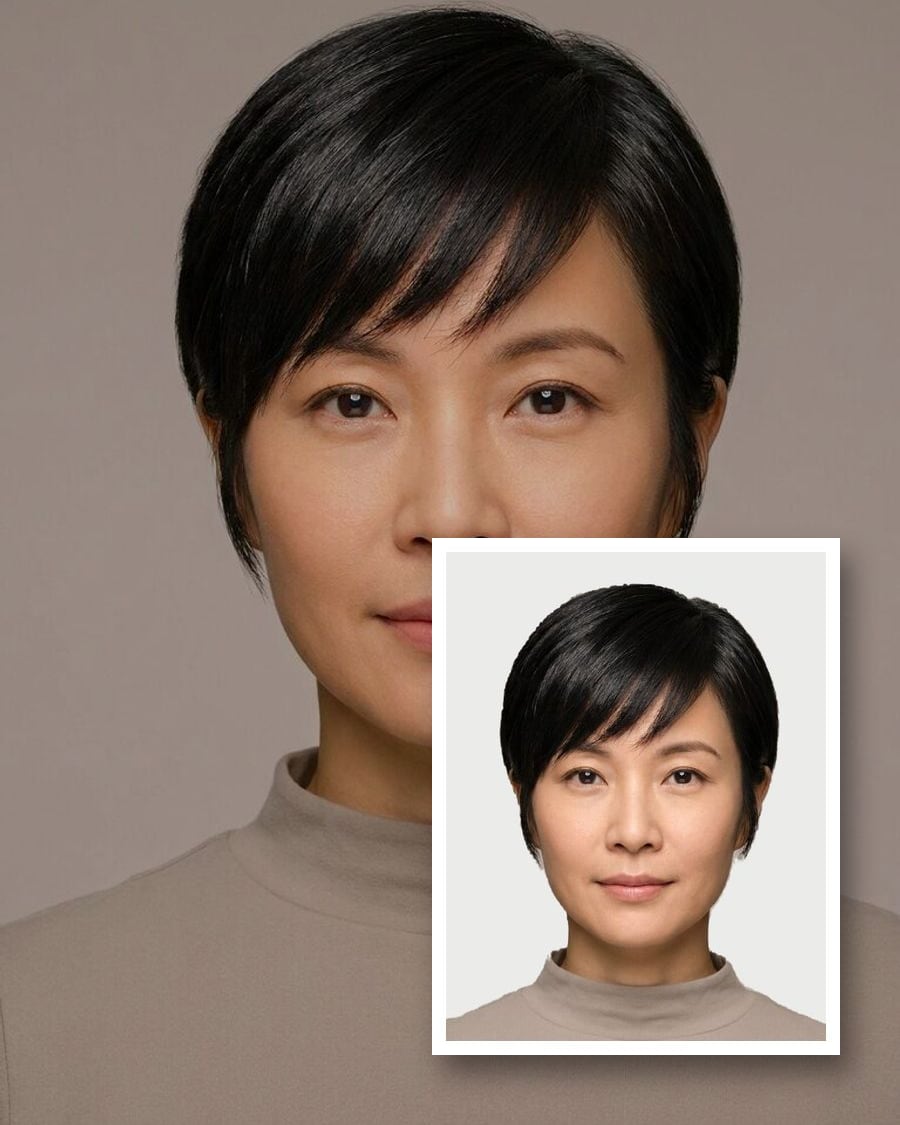
Passport & ID photosFreeThe right size, head height and background.
HEIC to JPGFreeiPhone photos to JPG, PNG or WebP, resized.