Add music to video
Your song under your clip. Free.

About Add music to video
Put a song on a clip: replace its sound or mix the music under it. The song is fitted to the clip and fades out at the end.
Free, up to 30 runs a day. Your clips and what you make are kept for 30 days, and you can delete them any time.
How it works
- Upload a clip.
- Add a song (MP3, M4A, AAC or WAV).
- Choose replace or mix, and download.
Questions
- Is it free?
- Yes, with a free account: no credits and no watermark, up to 30 runs a day. Clips can be up to 2 minutes and 100MB, MP4 or MOV.
- Can I use any song?
- Use music you have the right to use; platforms may mute or remove videos with copyrighted songs.
- What happens to my files?
- They’re used only to make your result, kept for 30 days so you can download it again, and you can delete them any time.
More in Video
See allNew
Photo to videoSoonA few seconds of life from a still.
New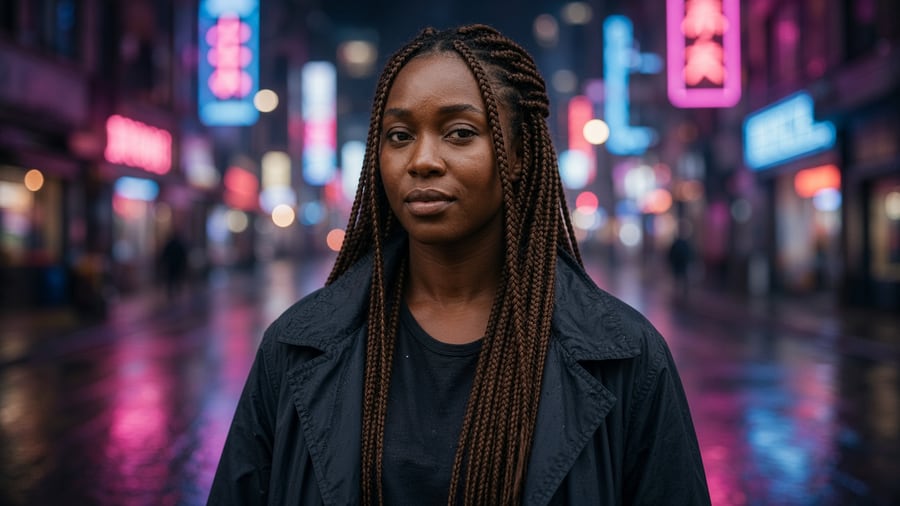
Star in any clipSoonYou, in place of whoever’s in it.
New
Copy the motionSoonYour photo, moving like the clip.
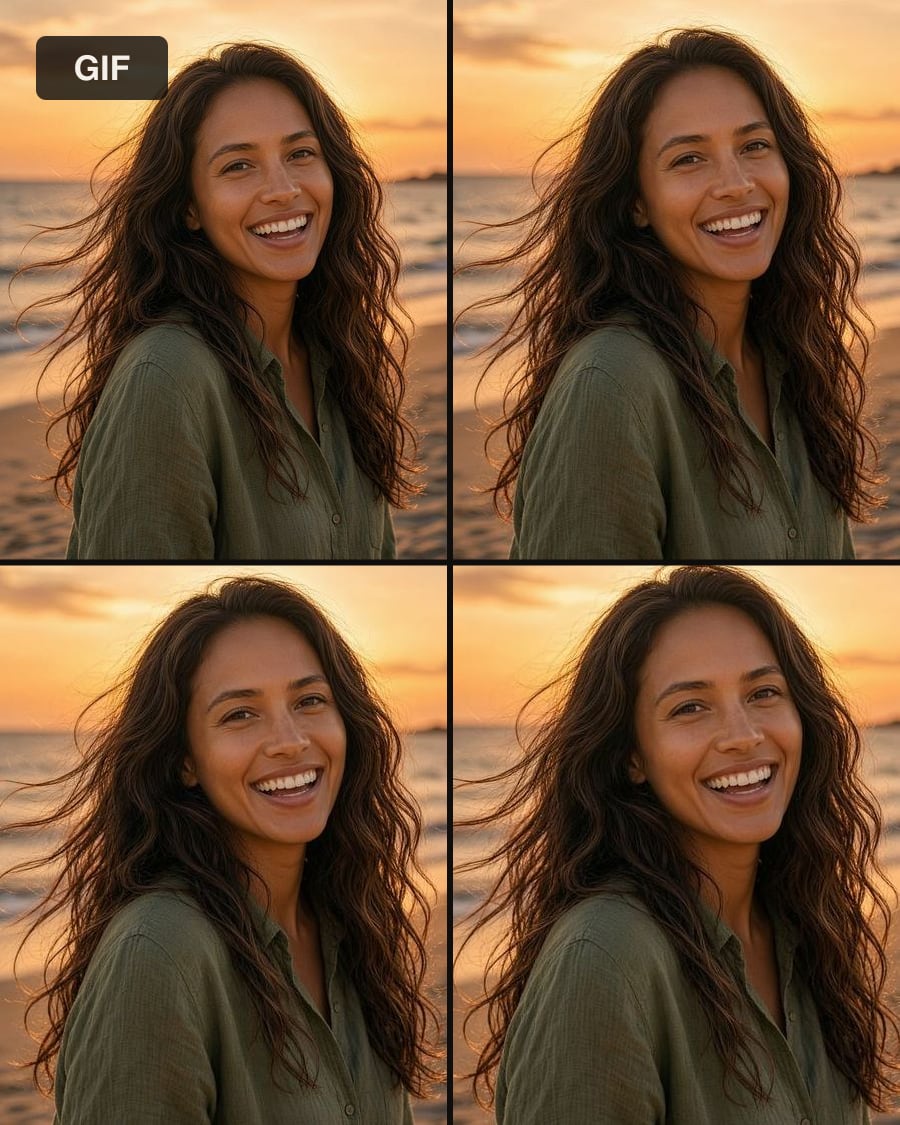
Video to GIFFreeA looping GIF from any clip.

Reverse videoFreeYour clip, played backwards.
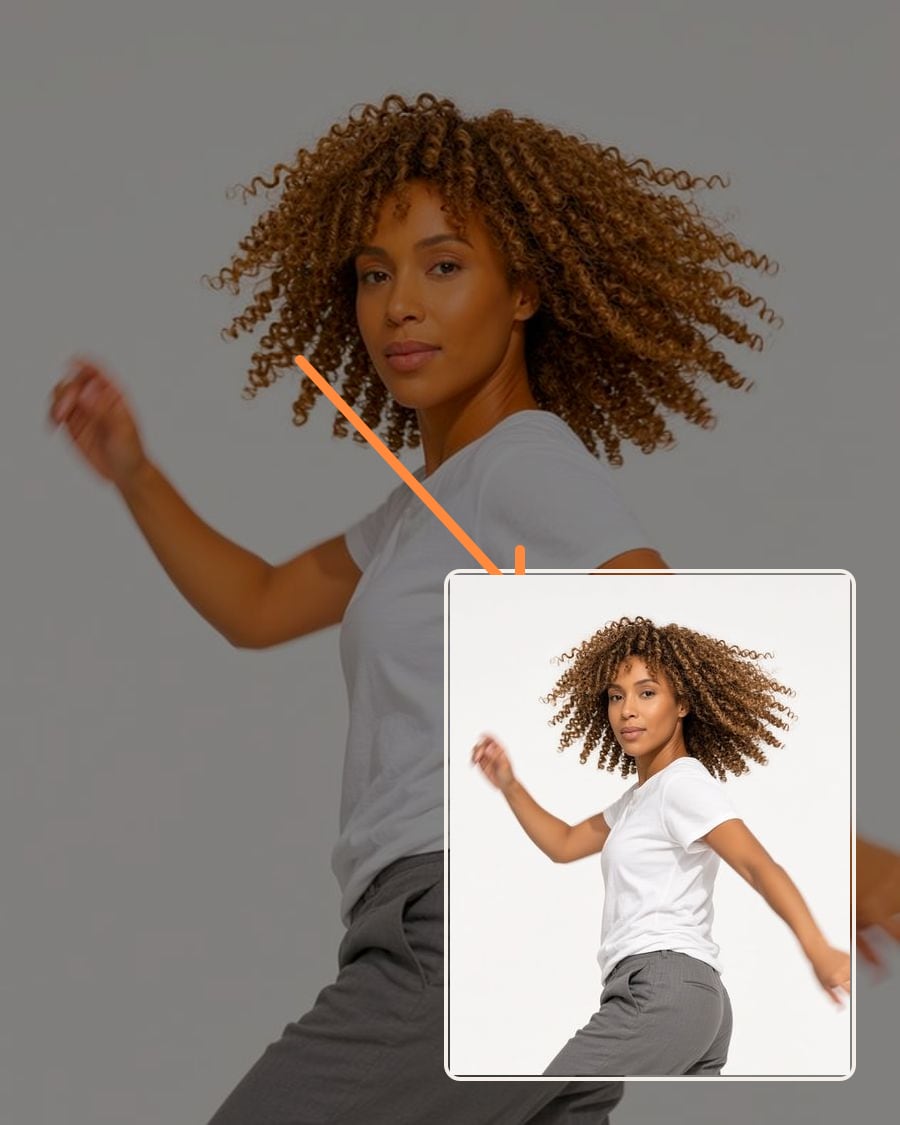
Compress videoFreeA smaller file that looks the same.
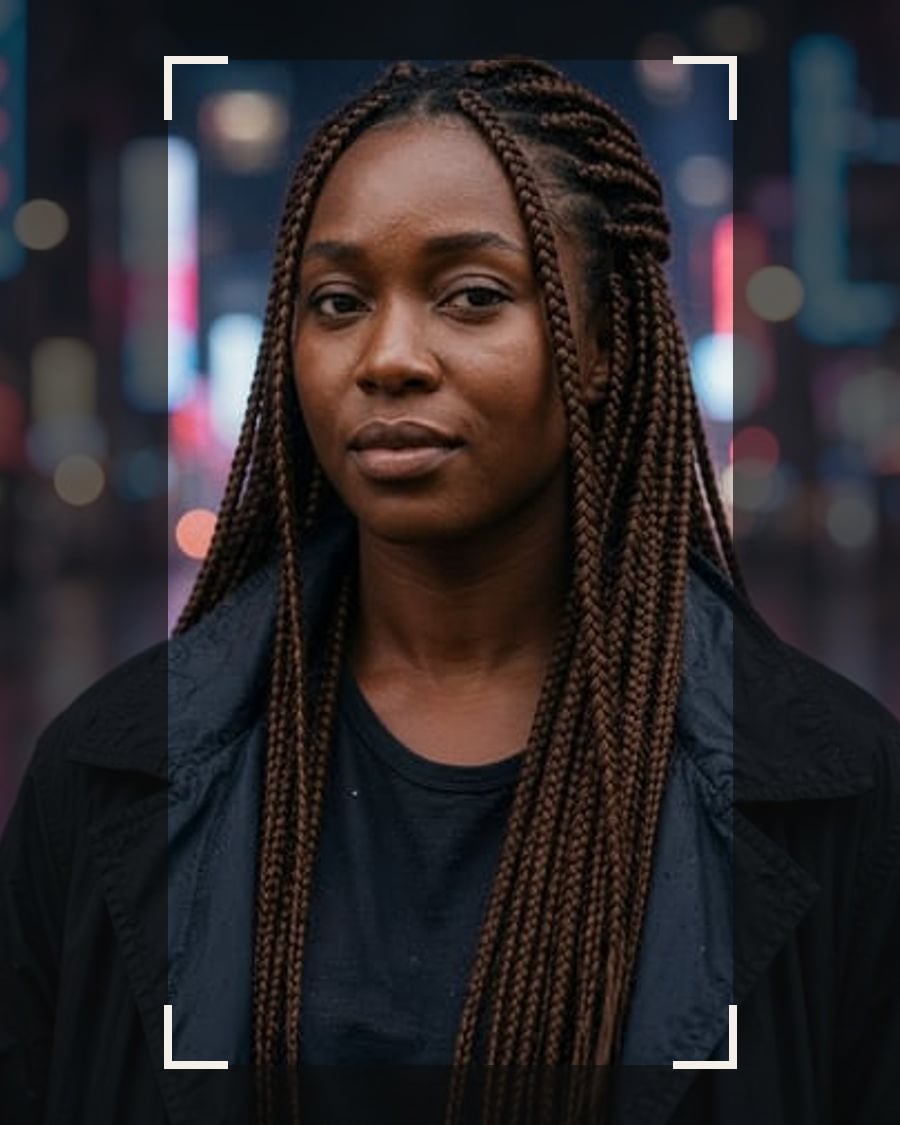
Crop videoFreeReframe to 9:16, 1:1, 4:5 or 16:9.

Video collageFreeTwo or four clips playing at once.